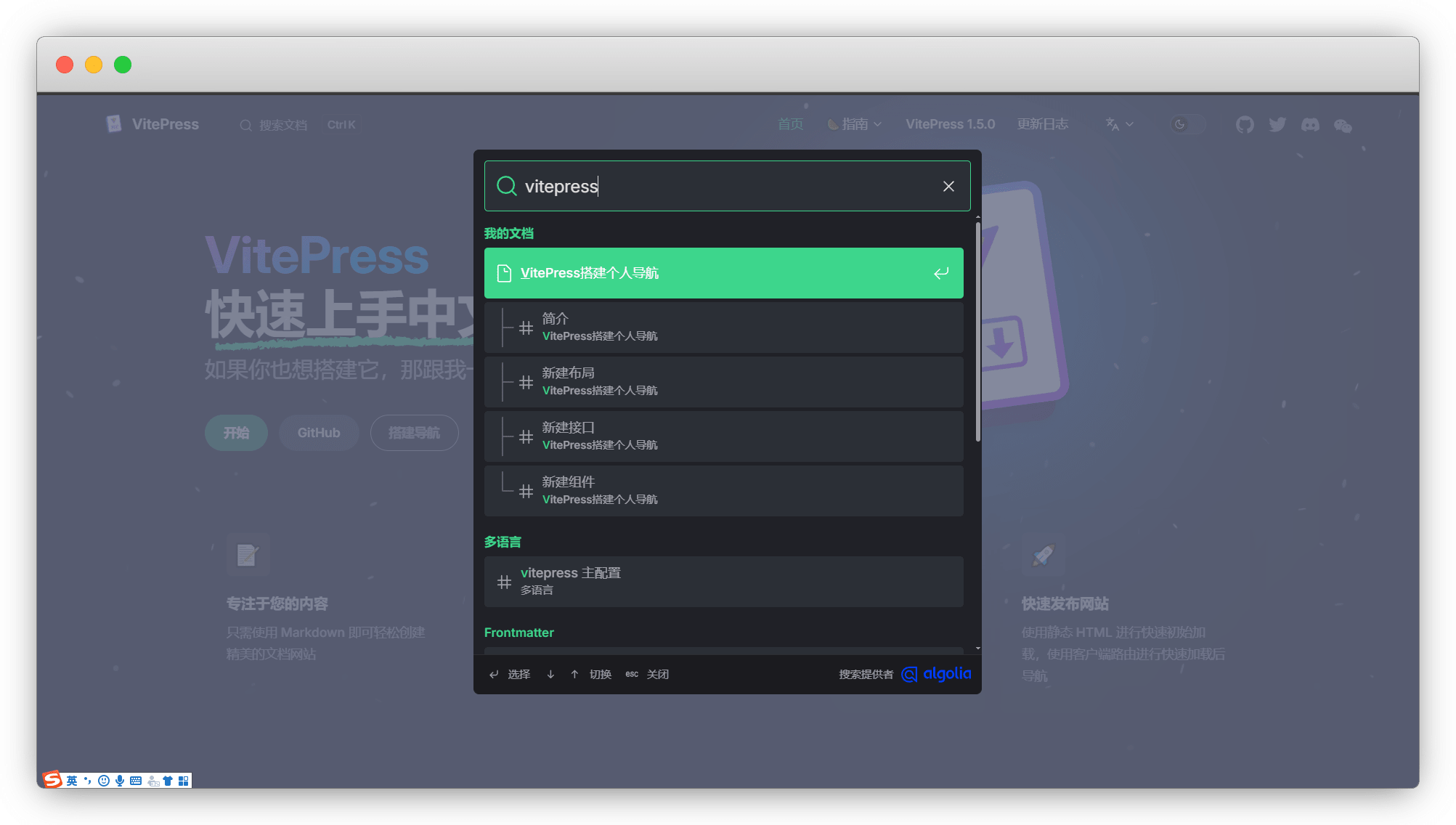
DocSearch
更新: 2026/4/24 字数: 0 字 时长: 0 分钟
简述
其实也有很多热门的爬虫搜索引擎,而Algolia的 Algolia DocSearch 是直接集成在VitePress中的,我们来看看有多么强大吧
配置
我们先看一下 VitePress 官方给的配置
export default defineConfig({

  themeConfig: {
    //Algolia搜索
    search: {
      provider: 'algolia',
      options: {
        appId: '<Application ID>',
        apiKey: '<Search-Only API Key>',
        indexName: '<INDEX_NAME>',
      },
    },
  },

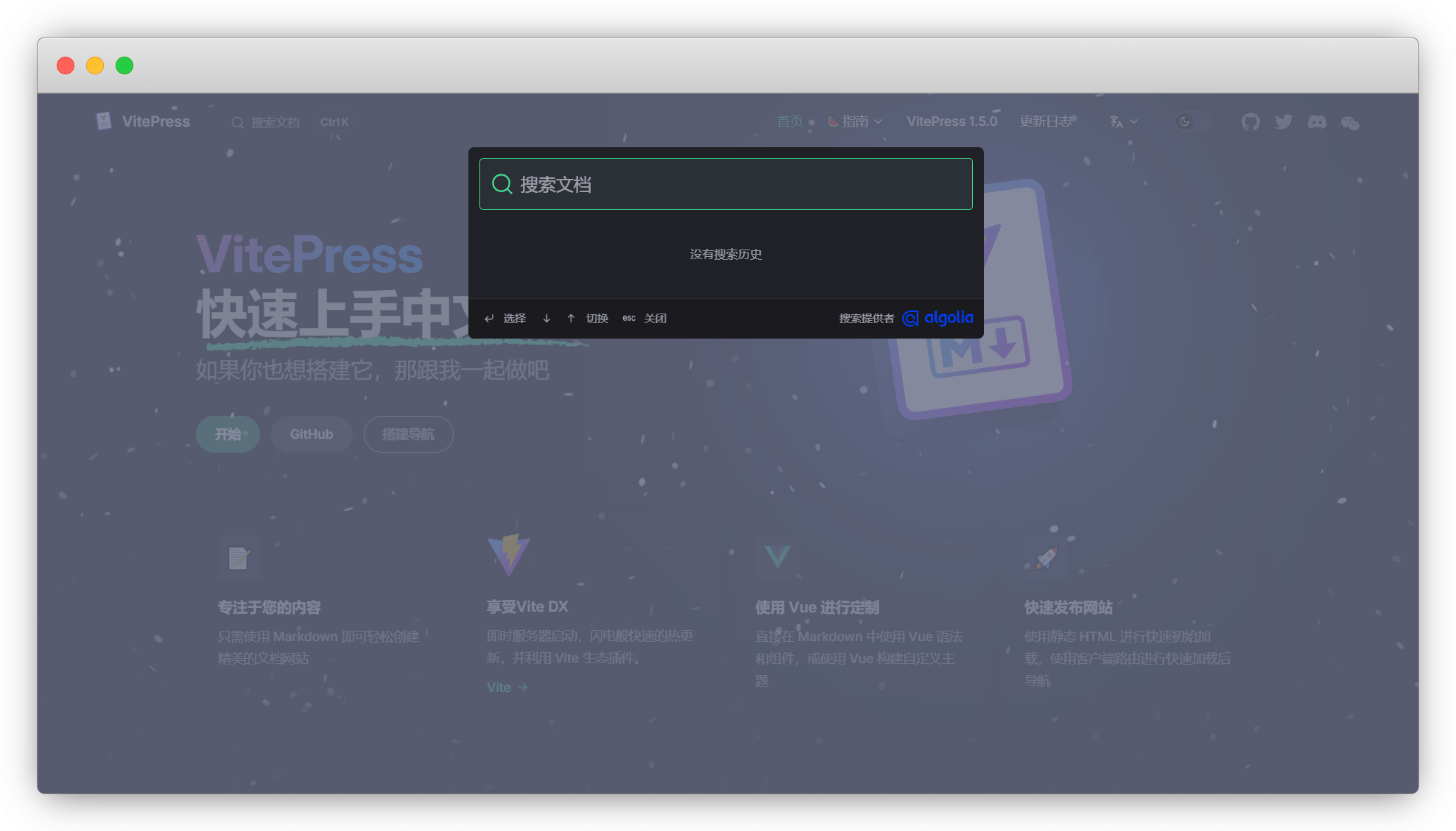
})单语言修改成中文,需要配置更多语言,请参考多语言
export default defineConfig({

  themeConfig: {
    //Algolia搜索纯中文版
    search: {
      provider: 'algolia',
      options: {
        appId: '<Application ID>',
        apiKey: '<Search-Only API Key>',
        indexName: '<INDEX_NAME>',
        locales: {
          root: {
            placeholder: '搜索文档',
            translations: {
              button: {
                buttonText: '搜索文档',
                buttonAriaLabel: '搜索文档'
              },
              modal: {
                searchBox: {
                  resetButtonTitle: '清除查询条件',
                  resetButtonAriaLabel: '清除查询条件',
                  cancelButtonText: '取消',
                  cancelButtonAriaLabel: '取消'
                },
                startScreen: {
                  recentSearchesTitle: '搜索历史',
                  noRecentSearchesText: '没有搜索历史',
                  saveRecentSearchButtonTitle: '保存至搜索历史',
                  removeRecentSearchButtonTitle: '从搜索历史中移除',
                  favoriteSearchesTitle: '收藏',
                  removeFavoriteSearchButtonTitle: '从收藏中移除'
                },
                errorScreen: {
                  titleText: '无法获取结果',
                  helpText: '你可能需要检查你的网络连接'
                },
                footer: {
                  selectText: '选择',
                  navigateText: '切换',
                  closeText: '关闭',
                  searchByText: '搜索提供者'
                },
                noResultsScreen: {
                  noResultsText: '无法找到相关结果',
                  suggestedQueryText: '你可以尝试查询',
                  reportMissingResultsText: '你认为该查询应该有结果?',
                  reportMissingResultsLinkText: '点击反馈'
                },
              },
            },
          },
        },
      },
    },
  },

})
注册
由于配置还缺关键Key,所以还需要注册账号,也方便我们后期对数据进行管理
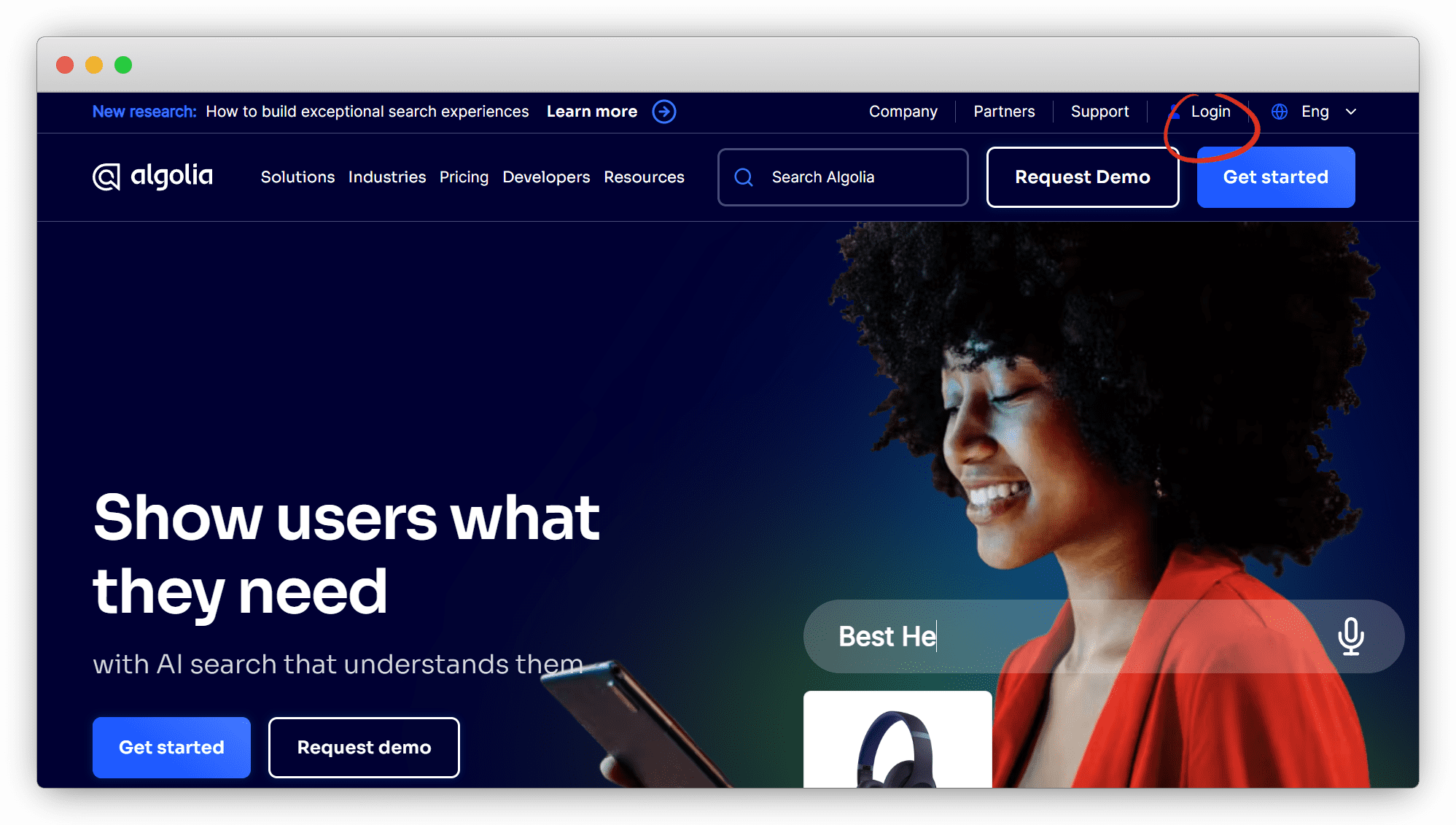
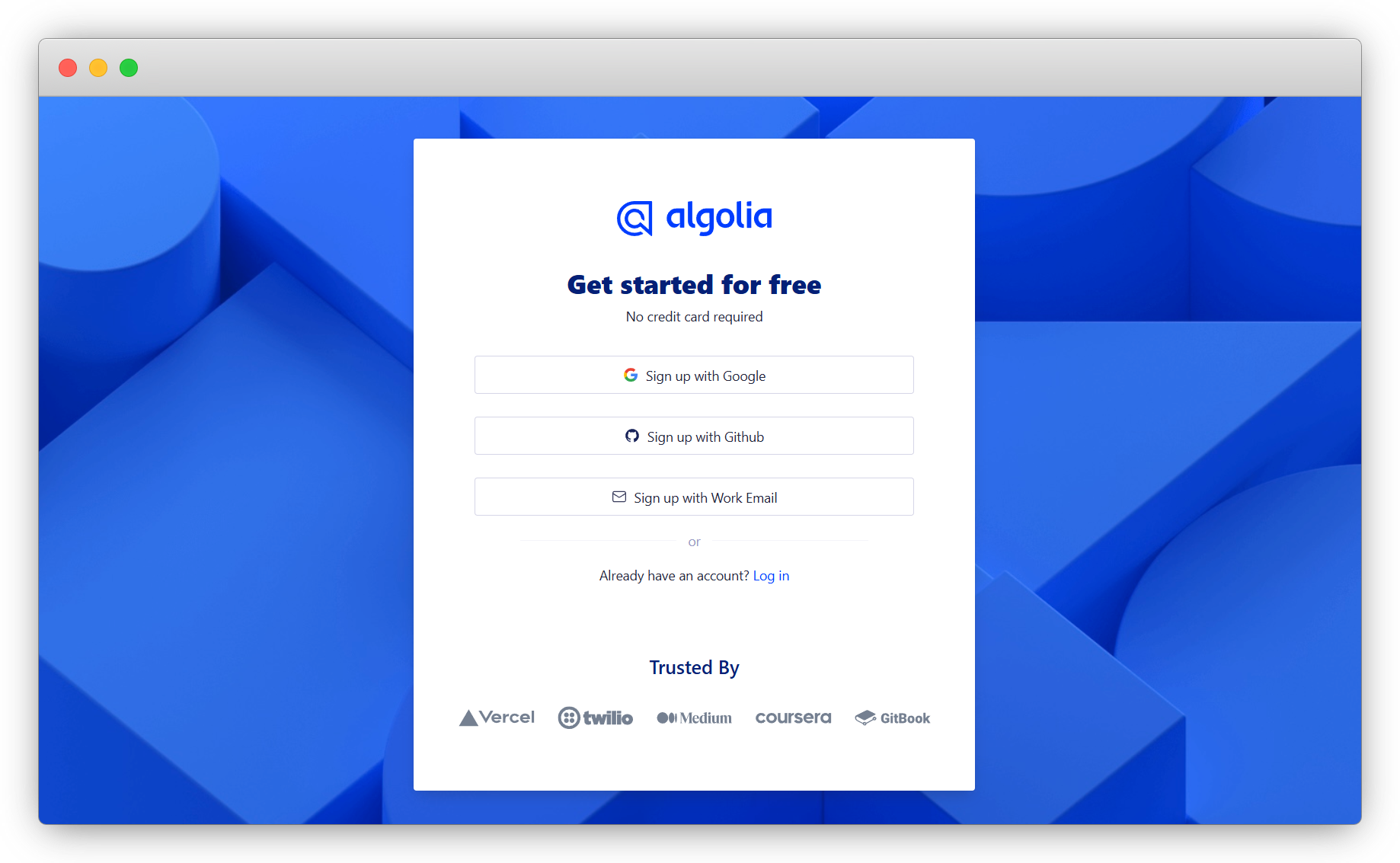
进入 Algolia官网 ,点击 Login 注册账号
可以选择 NO ACCOUNT YET? ,也可以直接用GitHub和谷歌账号关联注册
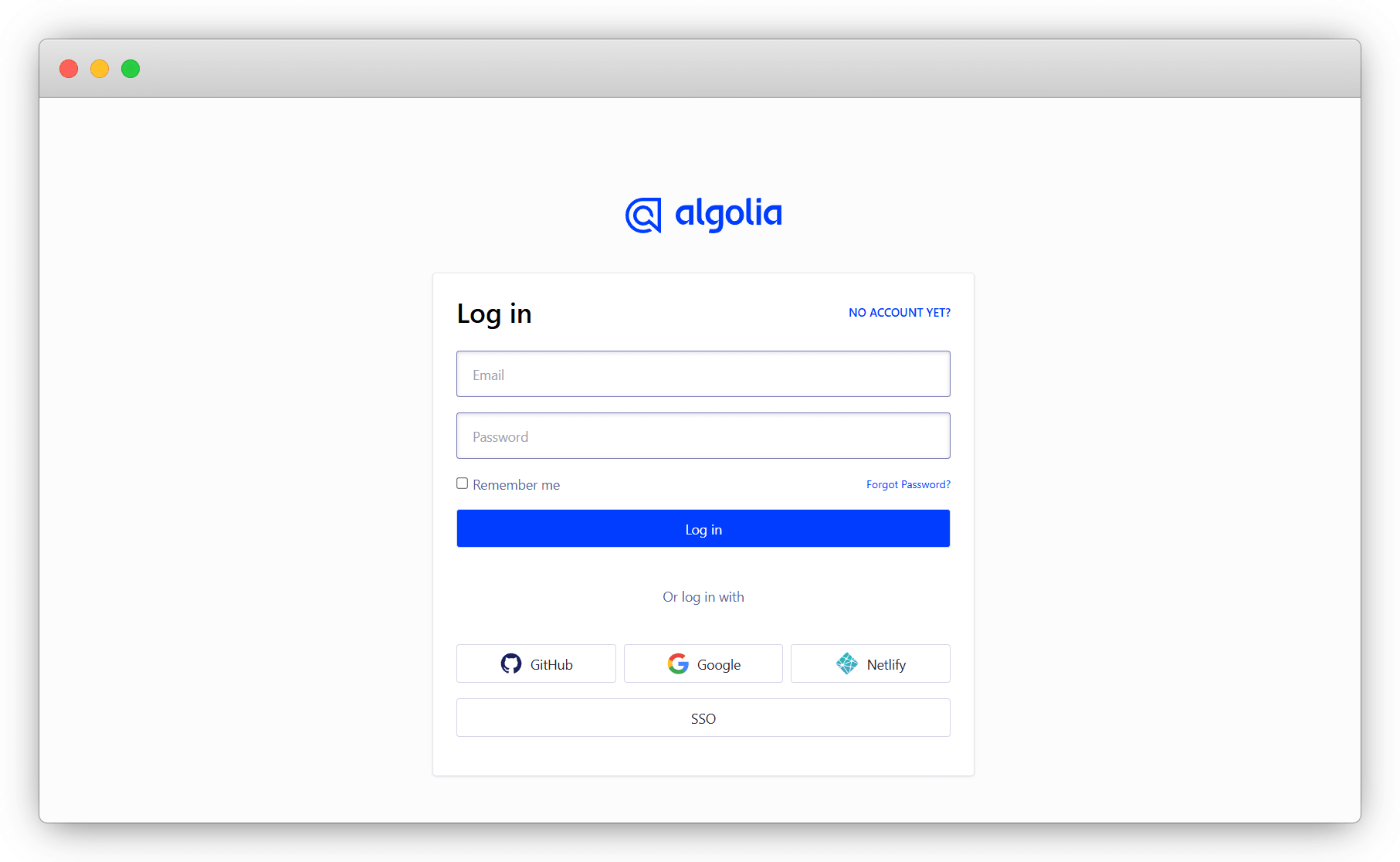
注册比较简单,就不讲了
说明
网站打不开,挂一个梯子即可
使用
请按自己的需求,参照下面教程,选其一使用
| 使用方式 | 区别说明 |
|---|---|
| 官方申请 | 申请时需要提交链接、邮箱及仓库(可选) ,等待周期较长,通过后会自动爬取,直接配置使用即可 |
| Docker 不推荐 | 需自备服务器且安装好docker,有一定动手能力,需要每次手动爬取。步骤繁琐本次不做演示 |
| Github Actions 推荐 | 准备一个公开或者私密的仓库,配置好爬虫数据的格式,Actions自动爬取 |
官方申请
直接在 DocSearch官网,点 Apply 申请
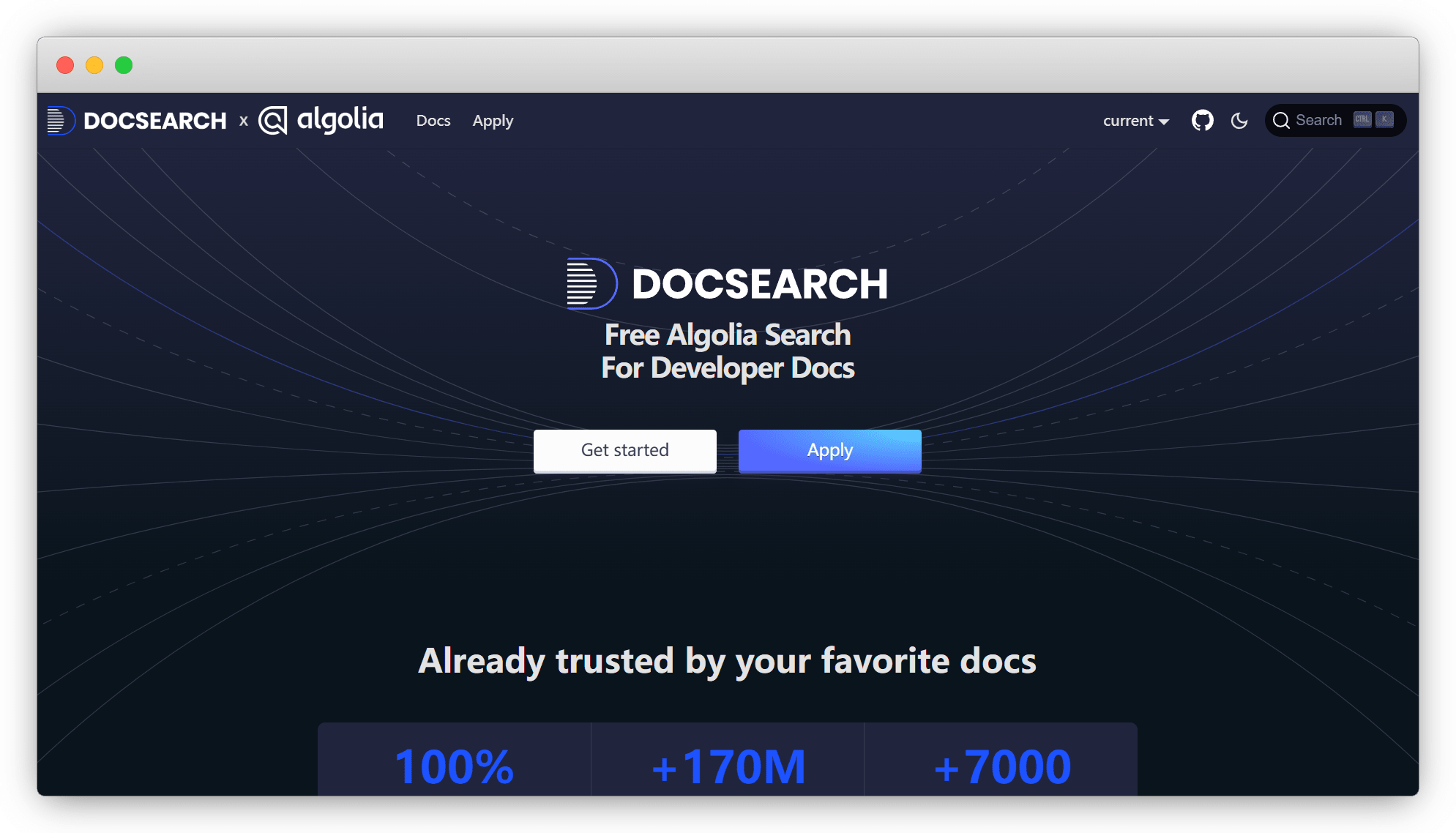
填入你的网址/邮箱/仓库链接即可
说明
以前使用DocSearch必须开源,现在是可选了?这么良心?
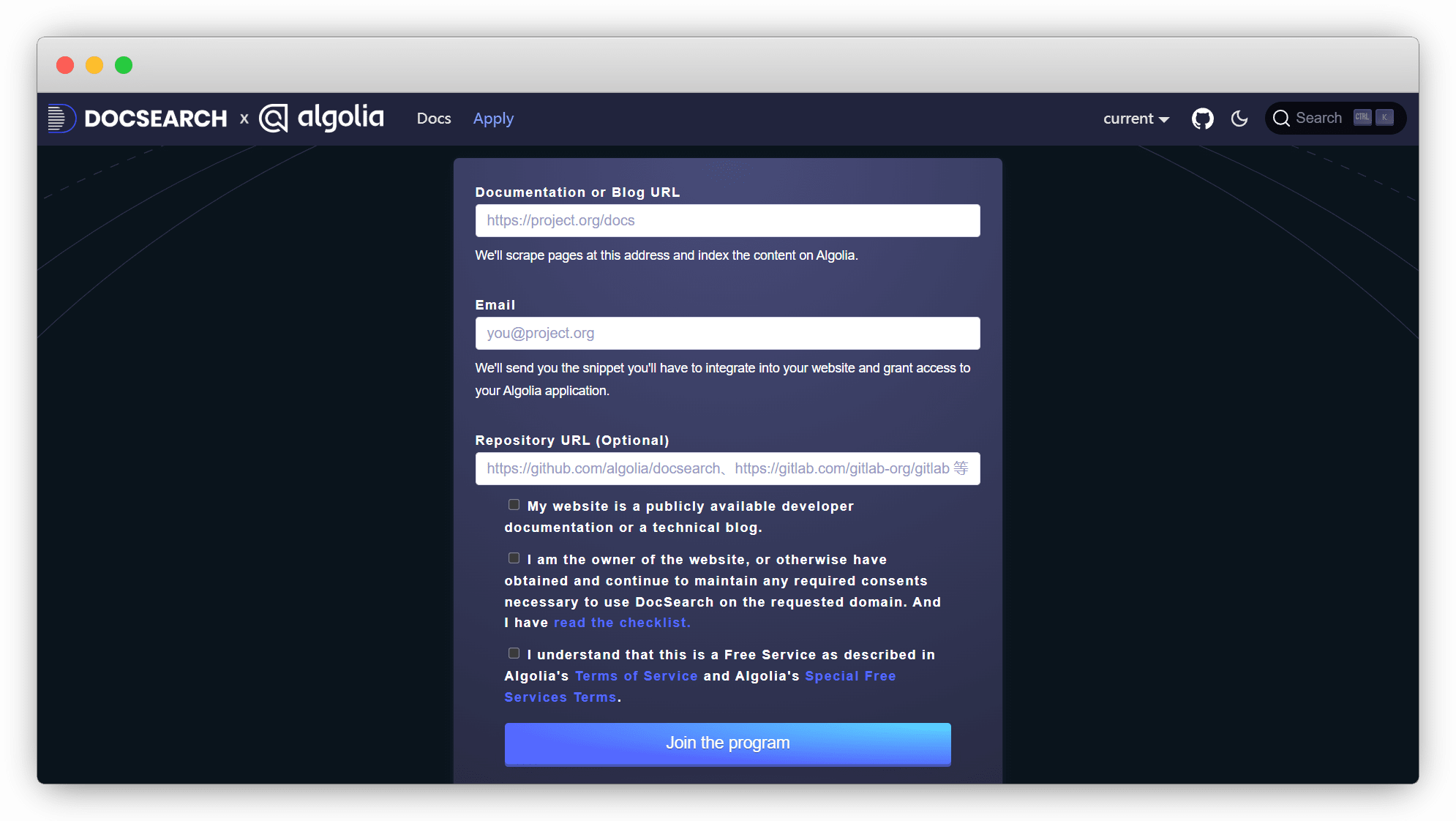
等待跳转成功就好,没有跳转,就挂个梯子
最快等待6-7小时,慢则半个多月,在邮件中会给我们一个邀请链接,复制并打开
说明
已经注册过的,也必须从邮件这个邀请链接进去
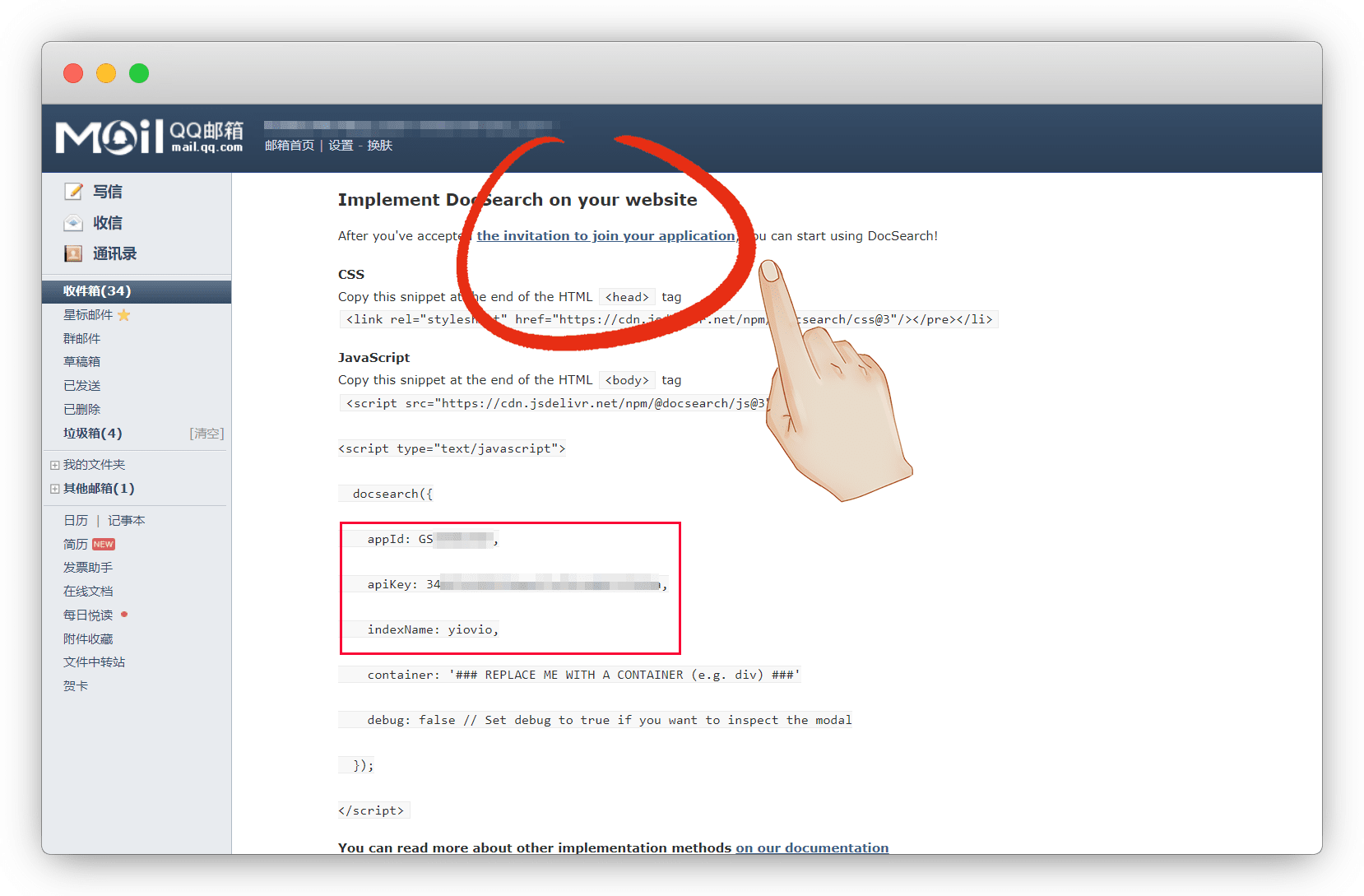
进去后会有个弹窗按钮,点 Accept 接受即可
说明
没有弹窗的,去邮箱复制邀请链接打开就有了
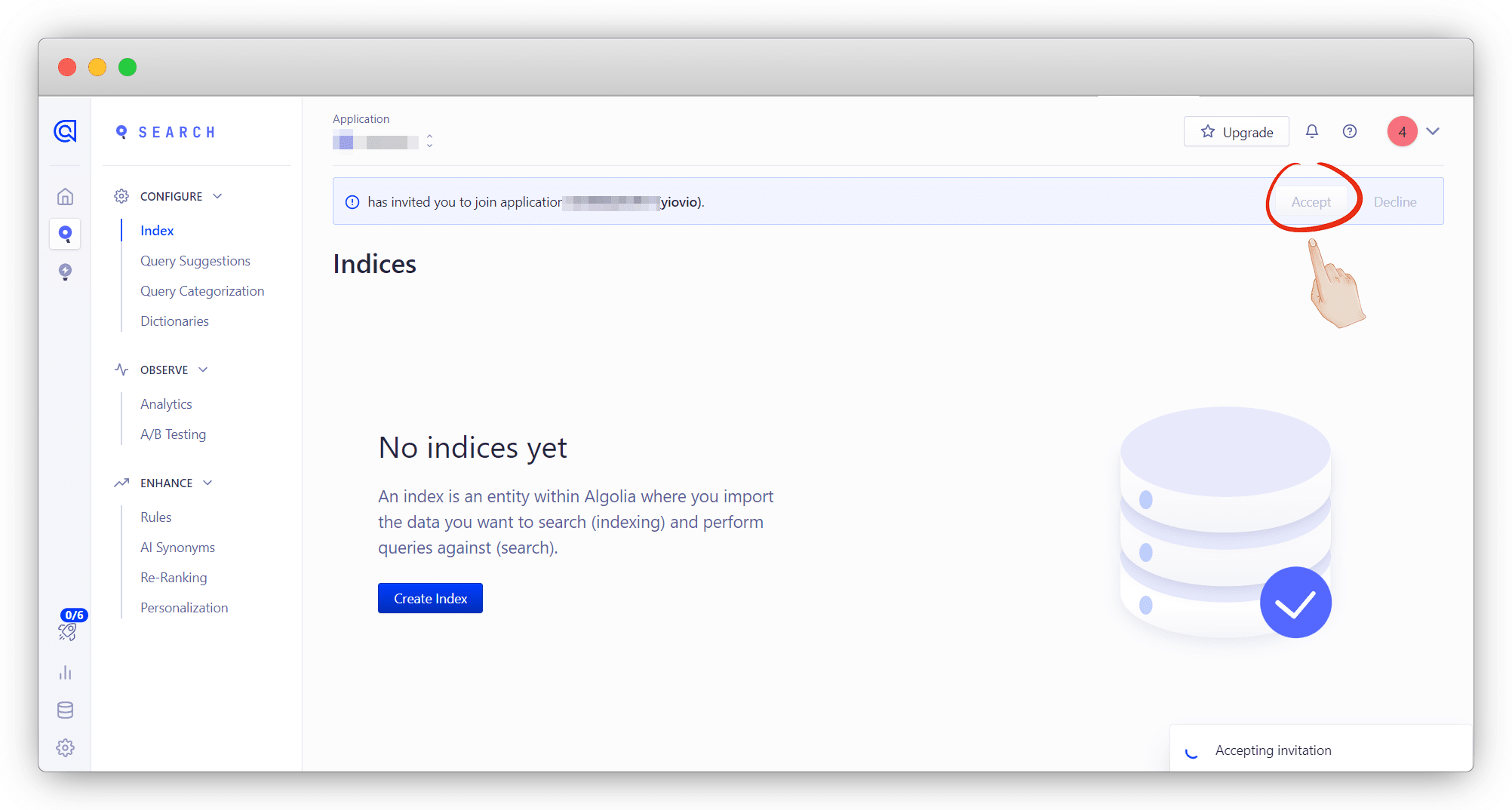
这样就自动完成了Application创建,但还没有数据
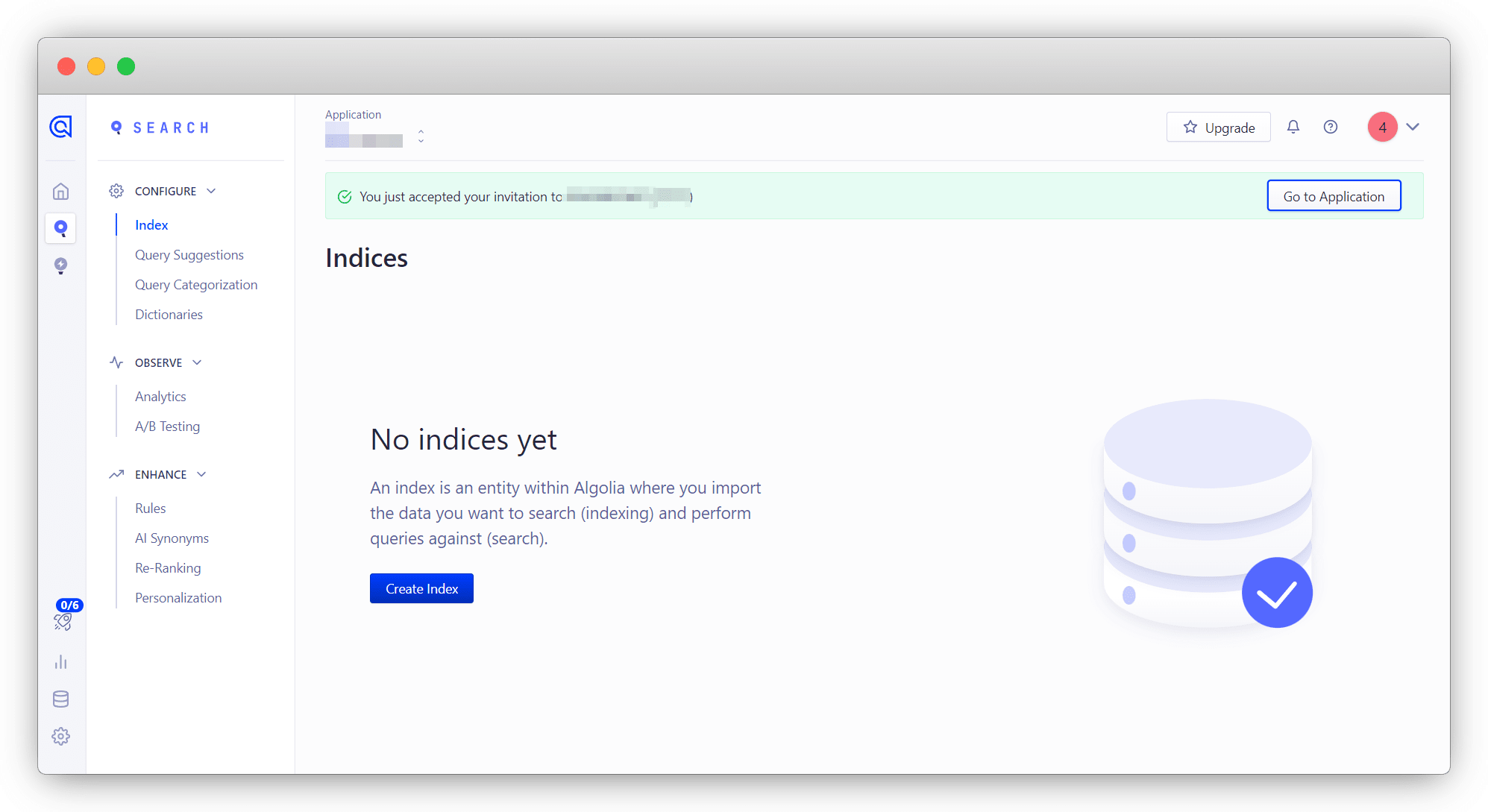
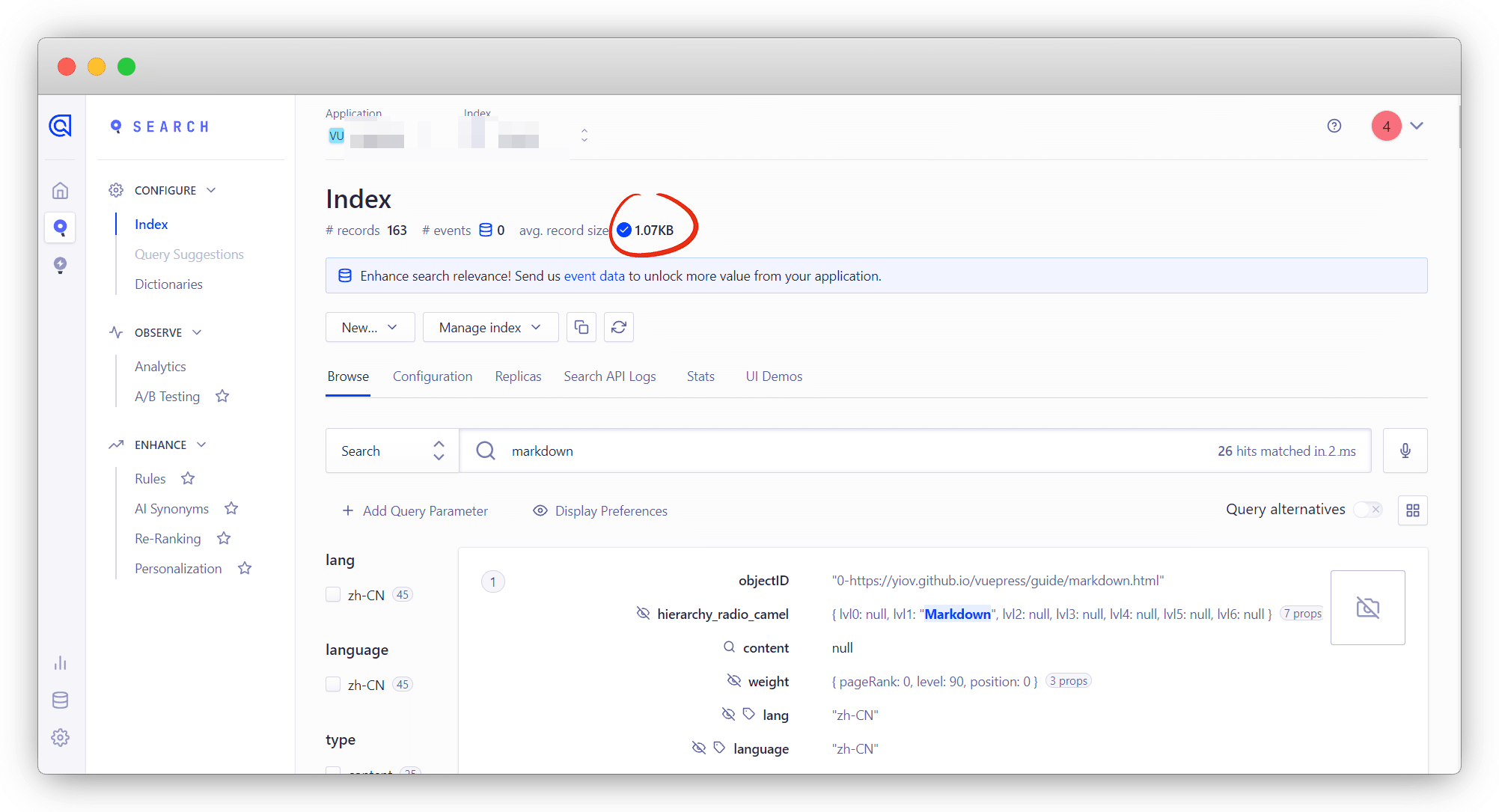
在 Search - index 这里点刷新看看,有数据即可
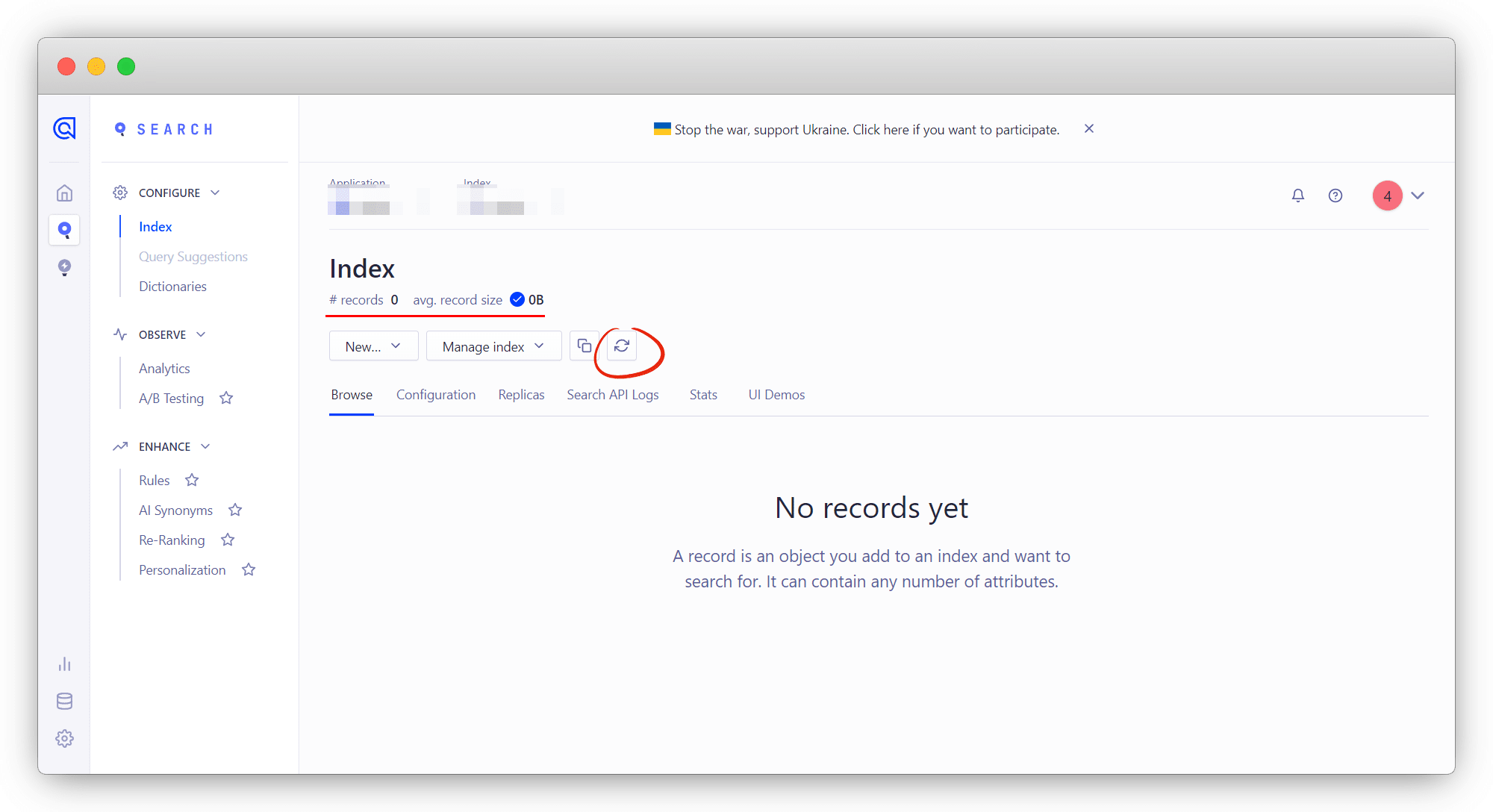
如果索引 records 值仍为0,说明爬取数据有问题
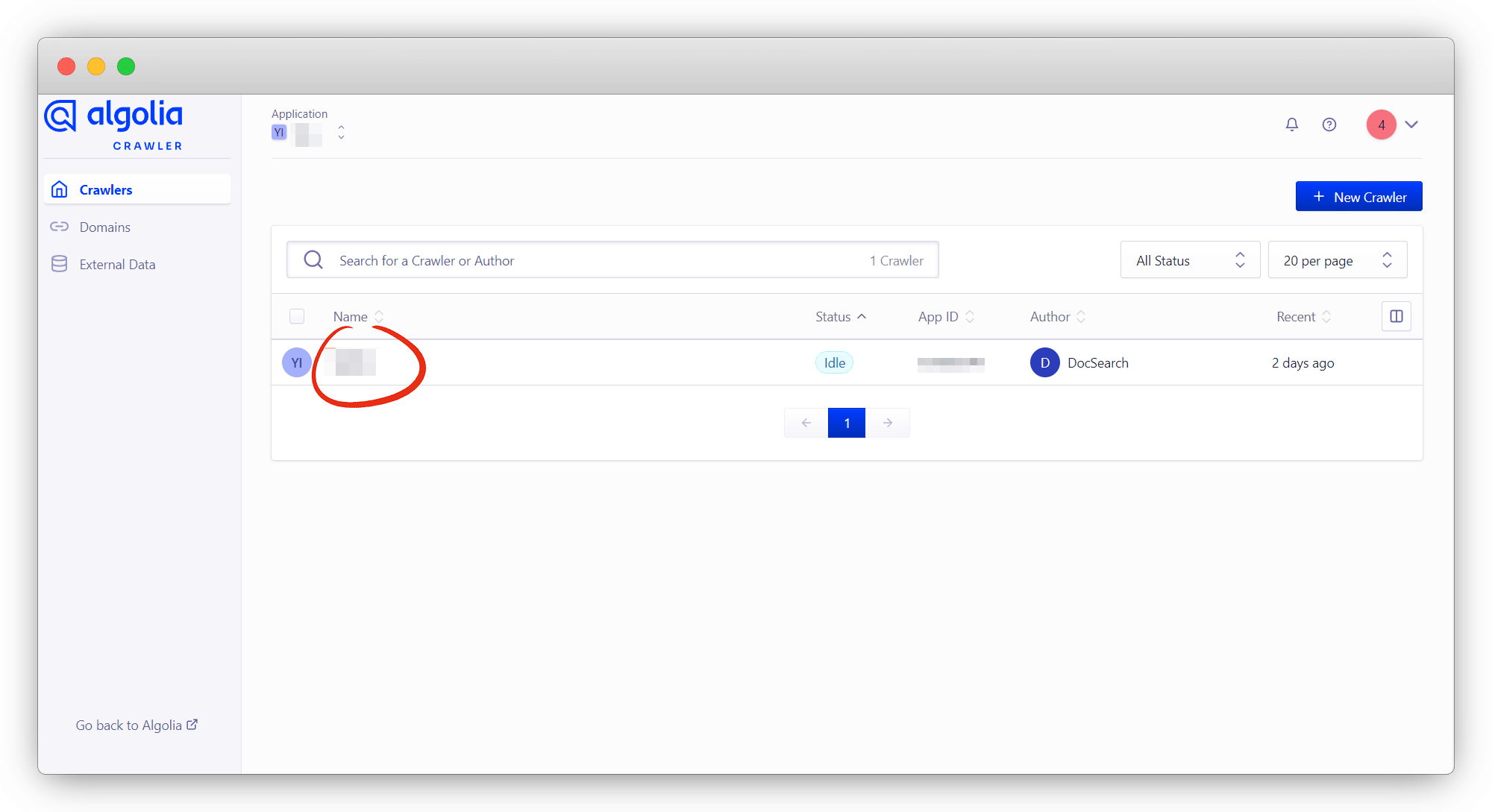
需要登录 Algolia官方爬虫后台 进行调试,点击官方帮我们申请的Application
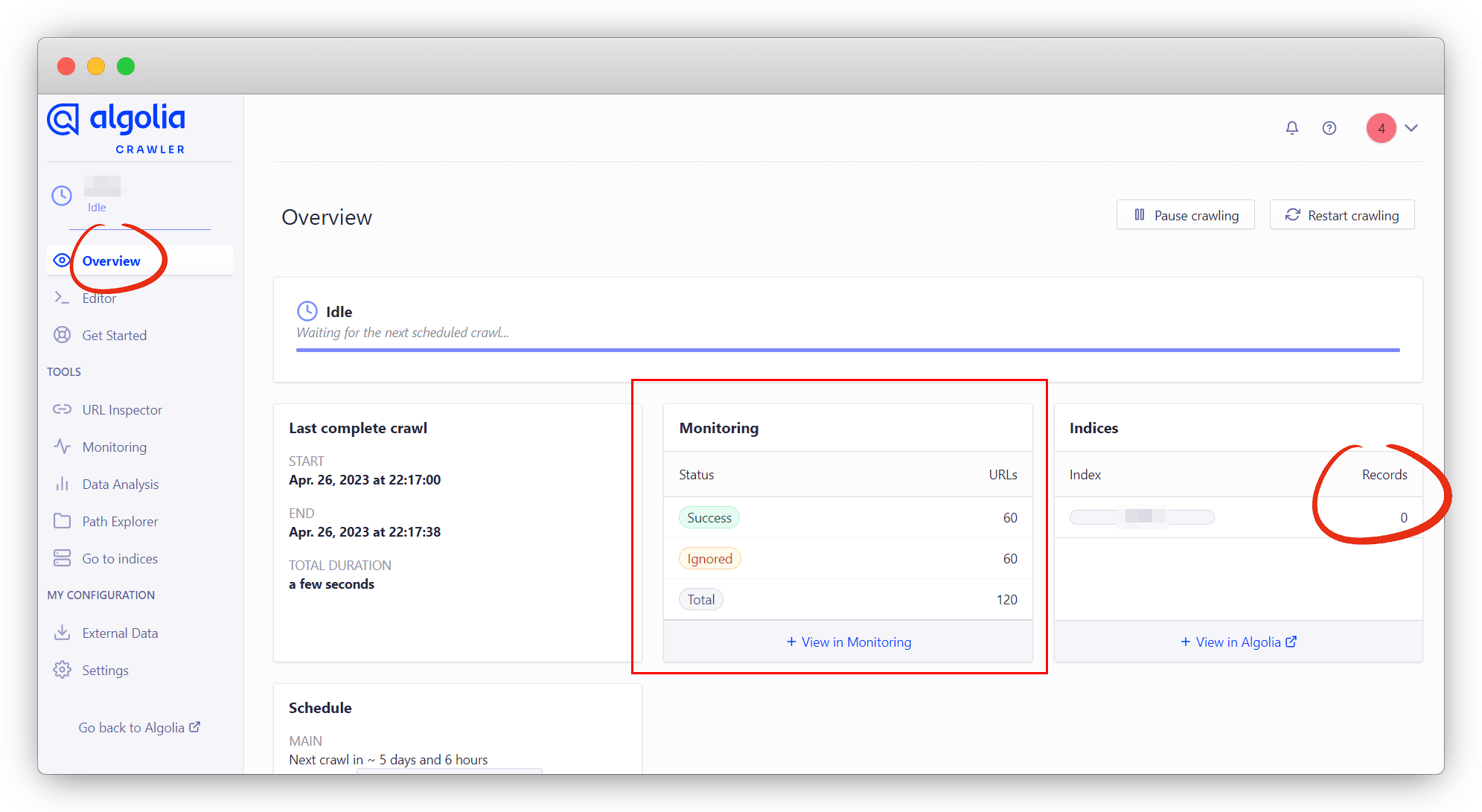
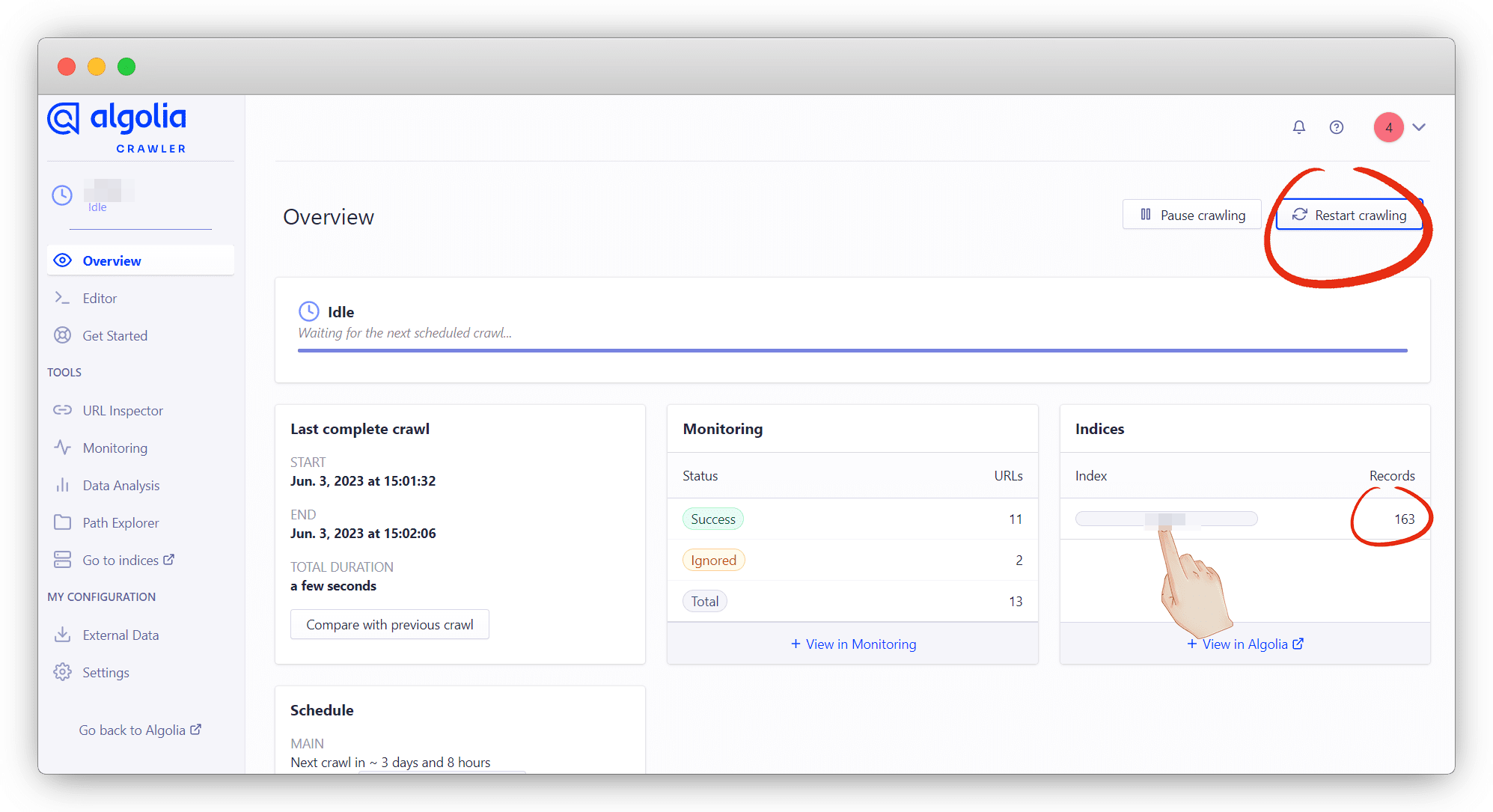
点 Overview 进来后发现爬虫数据有的,但是Records没有值,说明数据逻辑有问题
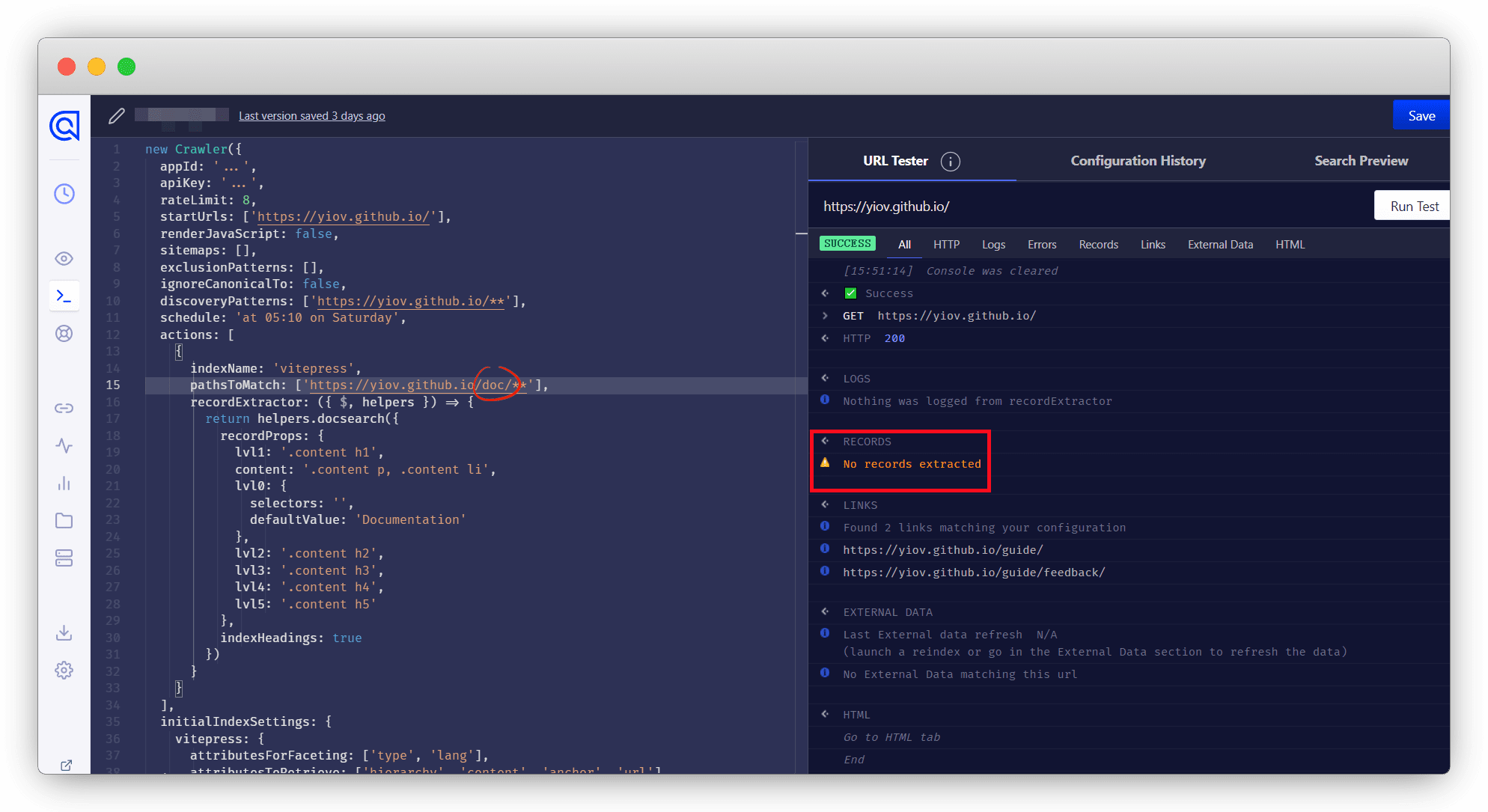
点 Editor 进来,可以参考官方的配置对照查看问题
注意
除了指定位置,其他不要乱改,特别是apikey不要改!和你申请的apikey不是同一个用途
如果你网址有别名解析或者重定向了,也只能用你申请时的网址
new Crawler({
  appId: '...',
  apiKey: '...',
  rateLimit: 8,
  startUrls: ['https://vitepress.dev/'],
  renderJavaScript: false,
  sitemaps: [],
  exclusionPatterns: [],
  ignoreCanonicalTo: false,
  discoveryPatterns: ['https://vitepress.dev/**'],
  schedule: 'at 05:10 on Saturday',
  actions: [
    {
      indexName: 'vitepress',
      pathsToMatch: ['https://vitepress.dev/**'],
      recordExtractor: ({ $, helpers }) => {
        return helpers.docsearch({
          recordProps: {
            lvl1: '.content h1',
            content: '.content p, .content li',
            lvl0: {
              selectors: '',
              defaultValue: 'Documentation'
            },
            lvl2: '.content h2',
            lvl3: '.content h3',
            lvl4: '.content h4',
            lvl5: '.content h5'
          },
          indexHeadings: true
        })
      }
    }
  ],
  initialIndexSettings: {
    vitepress: {
      attributesForFaceting: ['type', 'lang'],
      attributesToRetrieve: ['hierarchy', 'content', 'anchor', 'url'],
      attributesToHighlight: ['hierarchy', 'hierarchy_camel', 'content'],
      attributesToSnippet: ['content:10'],
      camelCaseAttributes: ['hierarchy', 'hierarchy_radio', 'content'],
      searchableAttributes: [
        'unordered(hierarchy_radio_camel.lvl0)',
        'unordered(hierarchy_radio.lvl0)',
        'unordered(hierarchy_radio_camel.lvl1)',
        'unordered(hierarchy_radio.lvl1)',
        'unordered(hierarchy_radio_camel.lvl2)',
        'unordered(hierarchy_radio.lvl2)',
        'unordered(hierarchy_radio_camel.lvl3)',
        'unordered(hierarchy_radio.lvl3)',
        'unordered(hierarchy_radio_camel.lvl4)',
        'unordered(hierarchy_radio.lvl4)',
        'unordered(hierarchy_radio_camel.lvl5)',
        'unordered(hierarchy_radio.lvl5)',
        'unordered(hierarchy_radio_camel.lvl6)',
        'unordered(hierarchy_radio.lvl6)',
        'unordered(hierarchy_camel.lvl0)',
        'unordered(hierarchy.lvl0)',
        'unordered(hierarchy_camel.lvl1)',
        'unordered(hierarchy.lvl1)',
        'unordered(hierarchy_camel.lvl2)',
        'unordered(hierarchy.lvl2)',
        'unordered(hierarchy_camel.lvl3)',
        'unordered(hierarchy.lvl3)',
        'unordered(hierarchy_camel.lvl4)',
        'unordered(hierarchy.lvl4)',
        'unordered(hierarchy_camel.lvl5)',
        'unordered(hierarchy.lvl5)',
        'unordered(hierarchy_camel.lvl6)',
        'unordered(hierarchy.lvl6)',
        'content'
      ],
      distinct: true,
      attributeForDistinct: 'url',
      customRanking: [
        'desc(weight.pageRank)',
        'desc(weight.level)',
        'asc(weight.position)'
      ],
      ranking: [
        'words',
        'filters',
        'typo',
        'attribute',
        'proximity',
        'exact',
        'custom'
      ],
      highlightPreTag: '<span class="algolia-docsearch-suggestion--highlight">',
      highlightPostTag: '</span>',
      minWordSizefor1Typo: 3,
      minWordSizefor2Typos: 7,
      allowTyposOnNumericTokens: false,
      minProximity: 1,
      ignorePlurals: true,
      advancedSyntax: true,
      attributeCriteriaComputedByMinProximity: true,
      removeWordsIfNoResults: 'allOptional'
    }
  }
})而我这里的问题是,这里多了一个 /doc
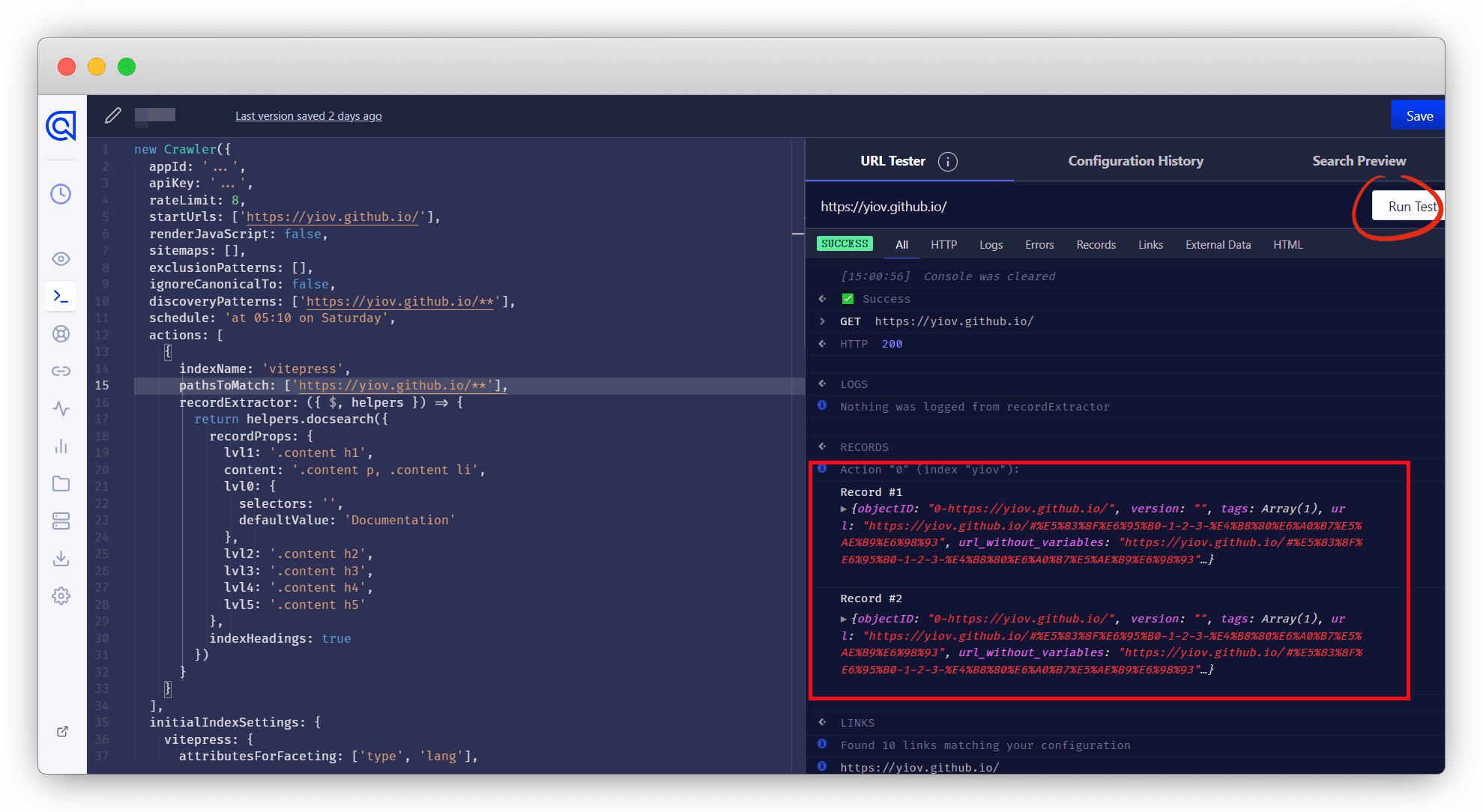
改过之后点 Runtest 测试一下,有数据即可
可以在 Search Preview 里可以搜素看看,能用就可以了
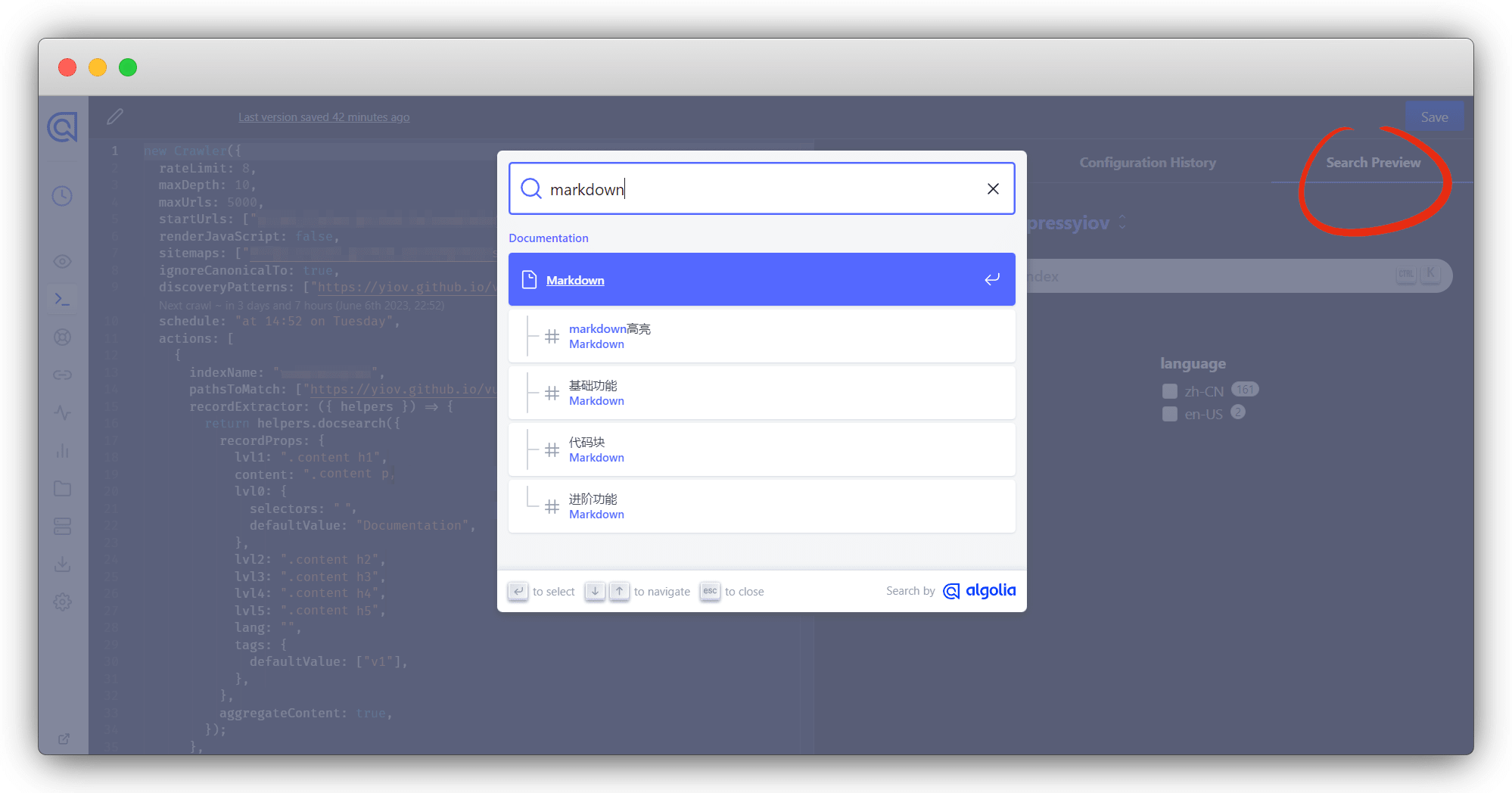
没问题了点 Save 保存,再重新在Overview重新爬取,Records有值就代表OK了
点击index回到algolia,看数据是否同步过来
最后只剩关键key了,回到 Algolia面板 ,选择对应的Application,查看API Keys
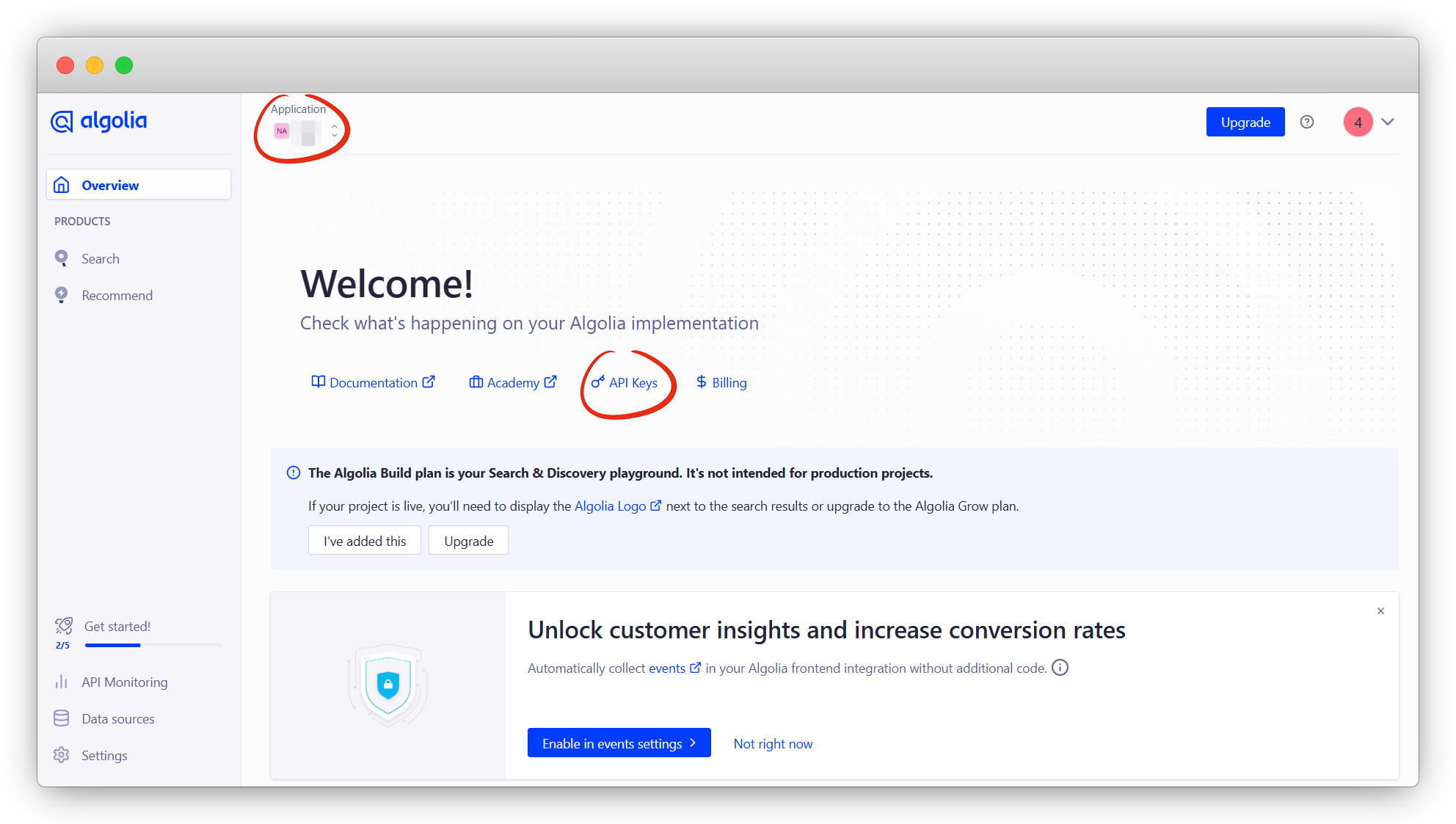
这里 Application ID 和 Search API Key 是必须的两个参数
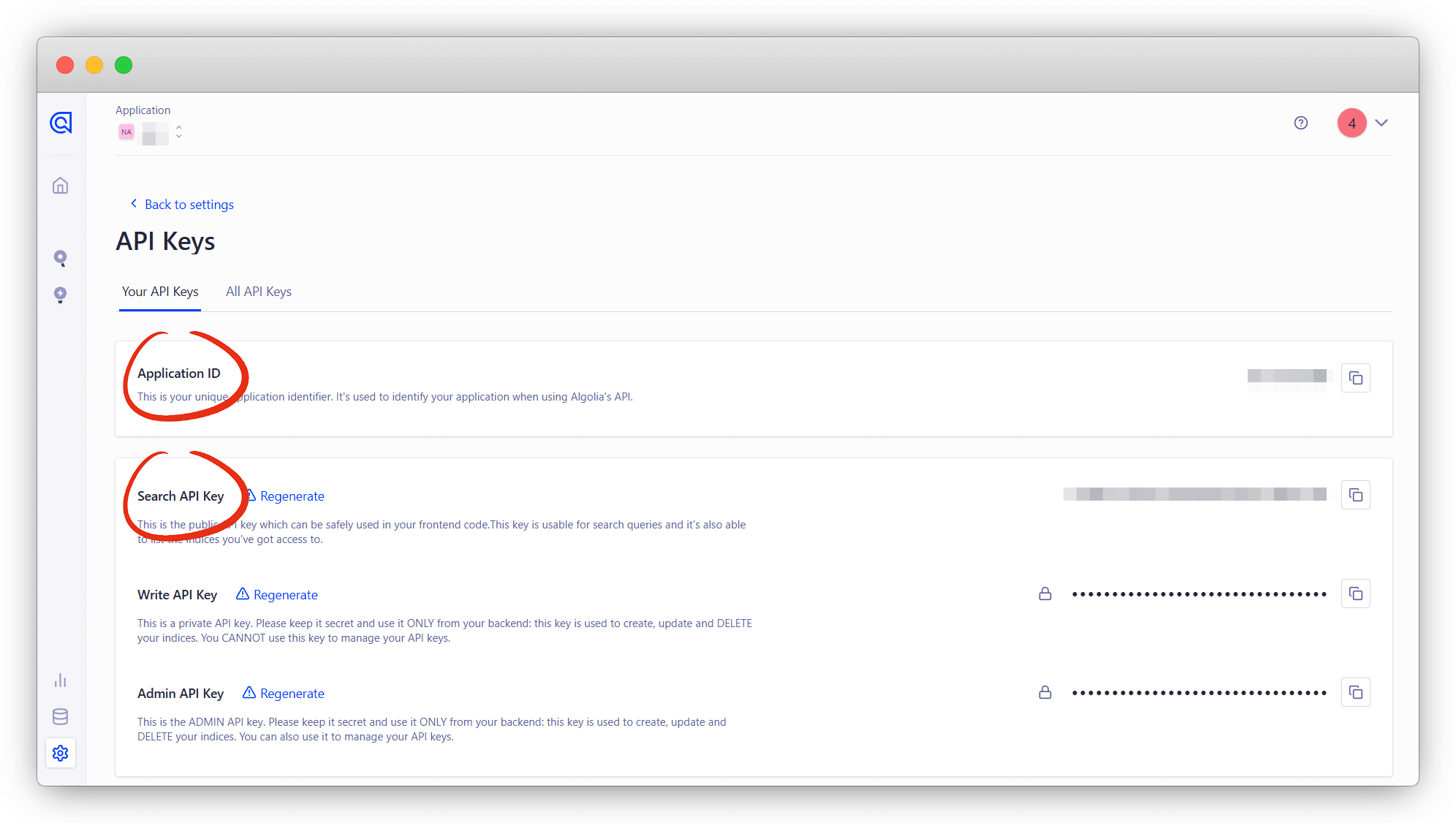
将三个参数以此填入 config.ts 配置中 ,本地搜索就可以使用了
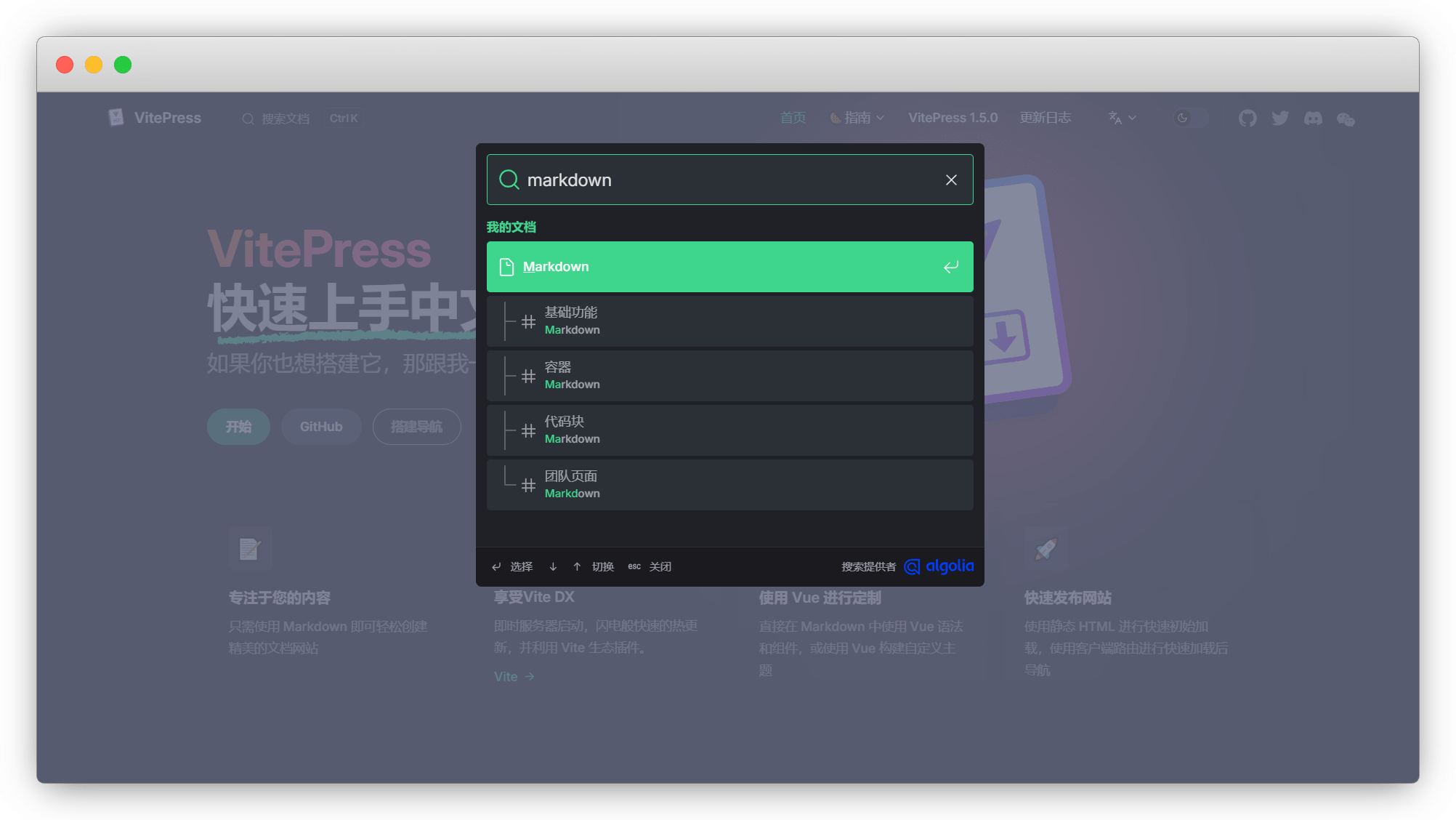
Github Actions
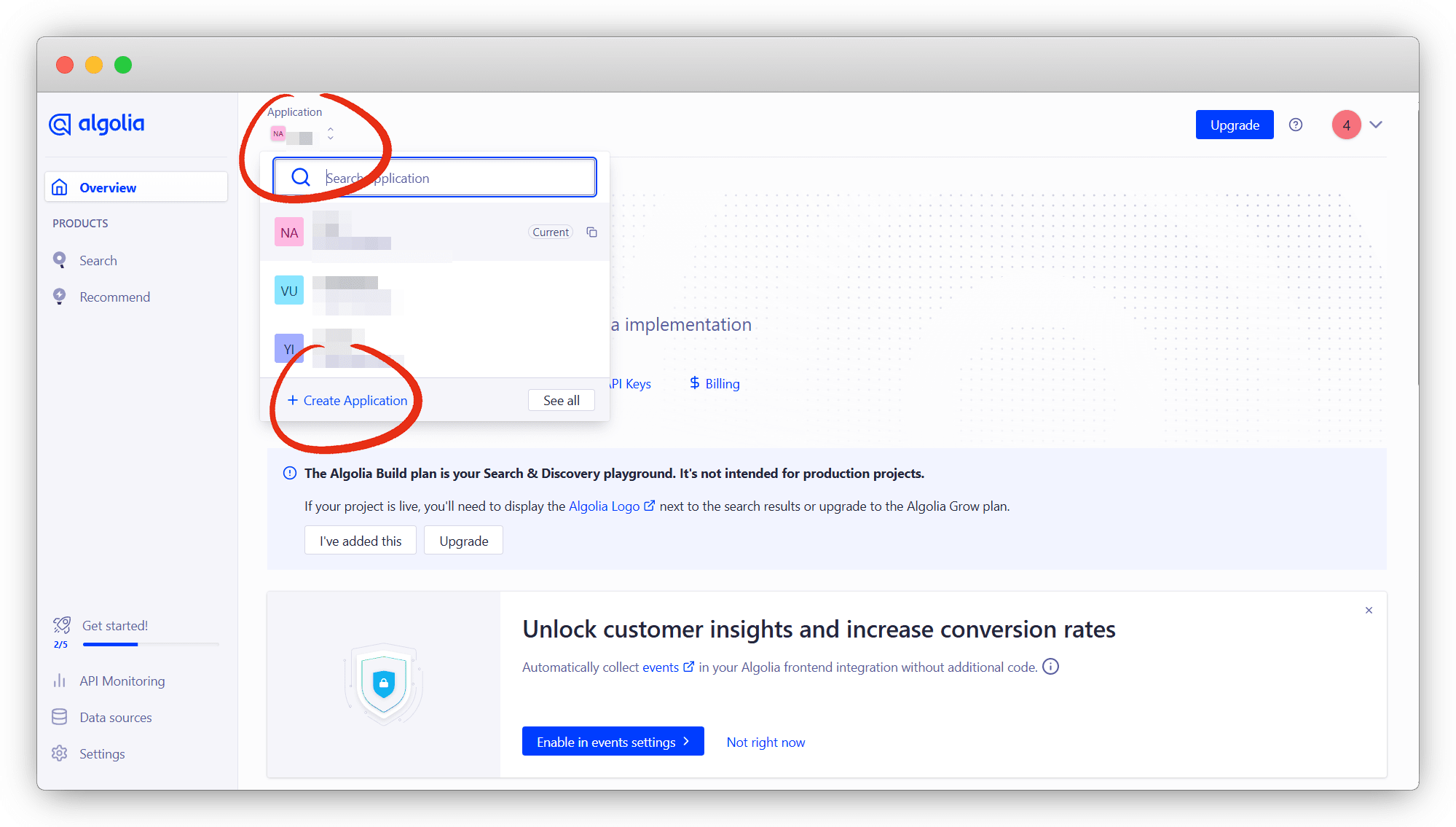
注册 好账号后,我们在 面板界面 新建一个 Create Application
说明
官方给我们默认建了一个,也是可以直接用,演示是便于以后独立使用
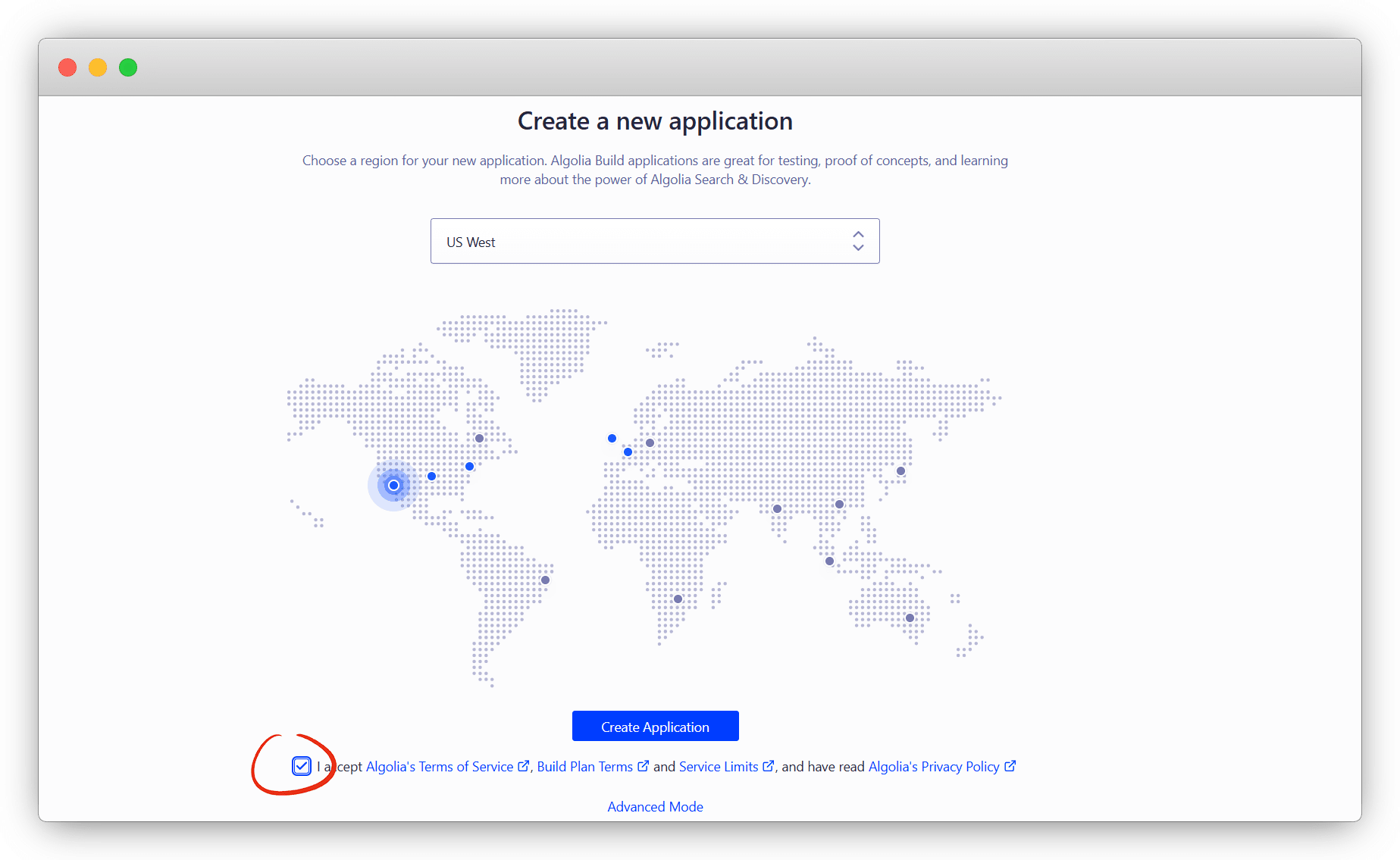
地区随便吧,差不太多,蓝色的就是可用的
说明
灰色是官方申请的时候给配的,一般是HongKong,速度差不了多少
这里快速上手直接跳过
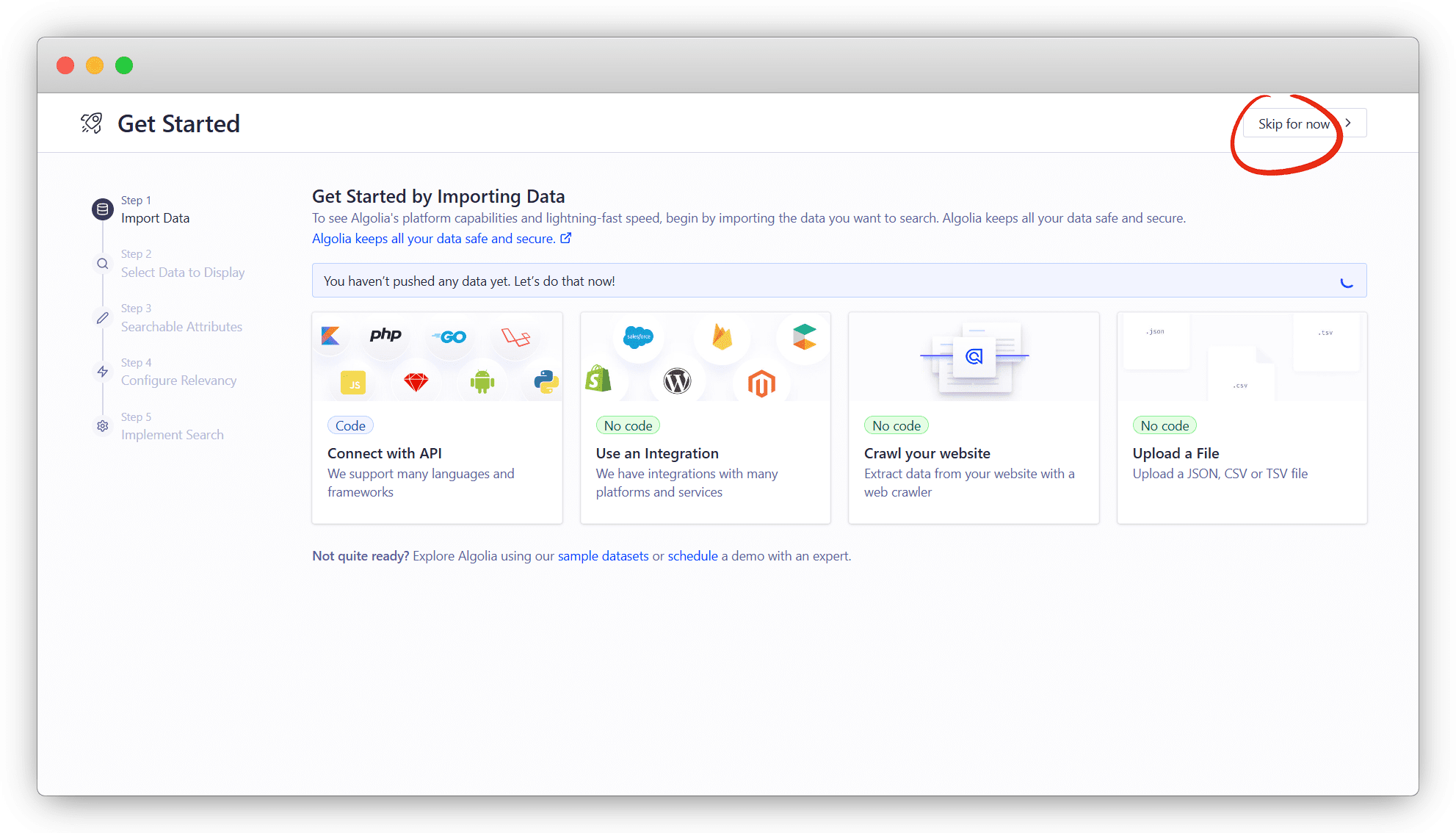
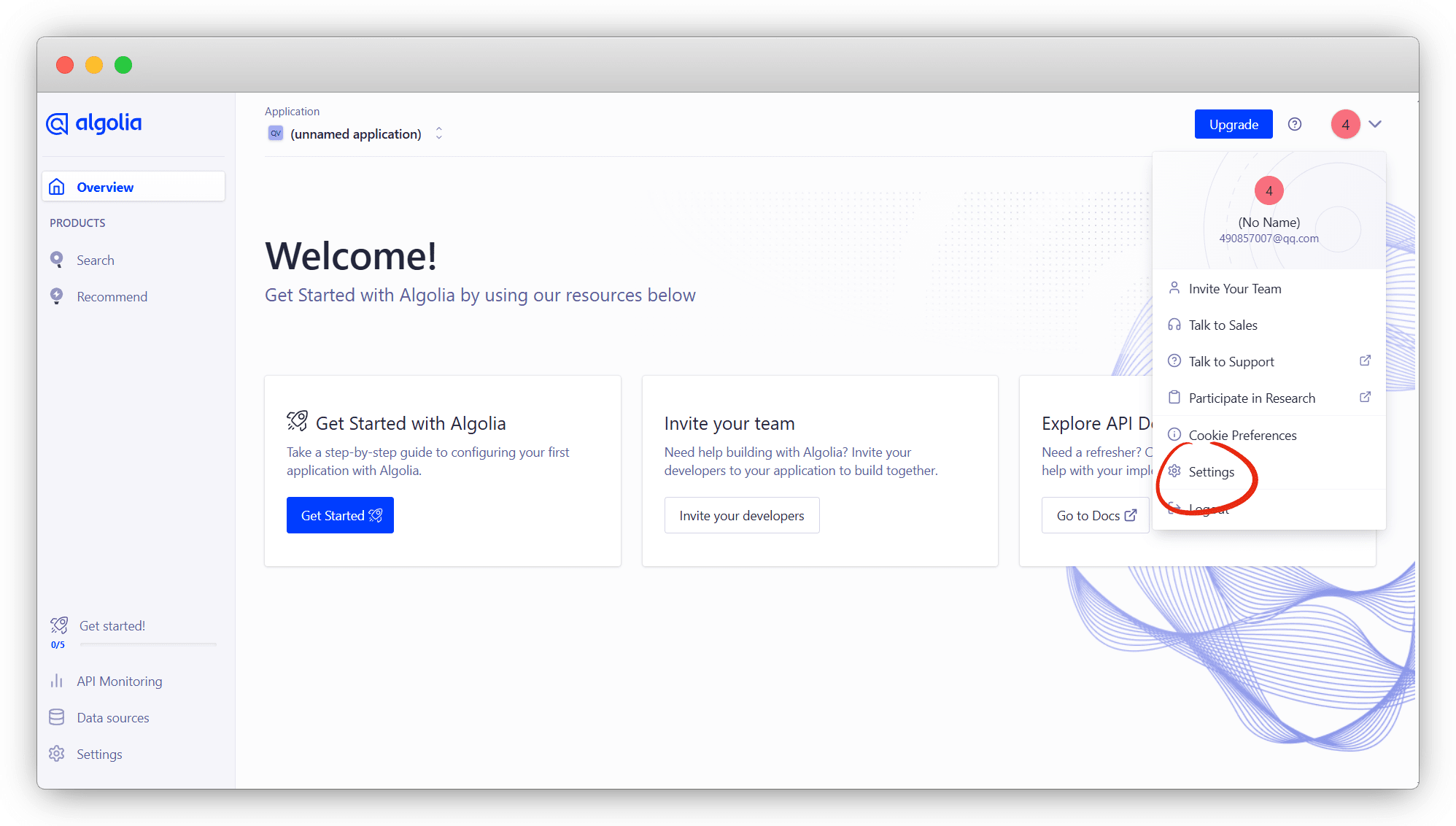
创建完成后,我们再设置 Setting 里查看
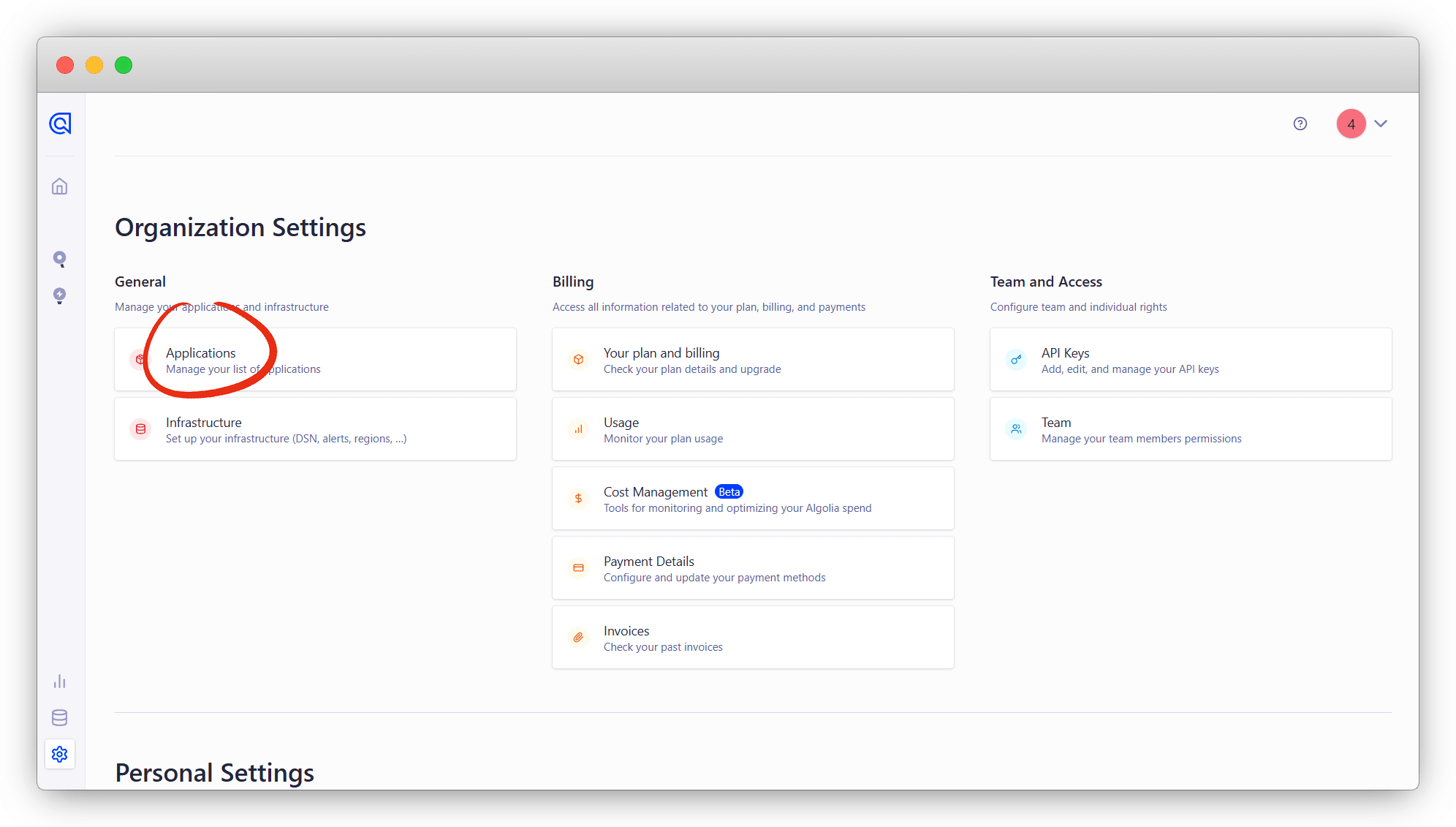
点击 Applications
点击 Rename 重命名一下,方便之后使用
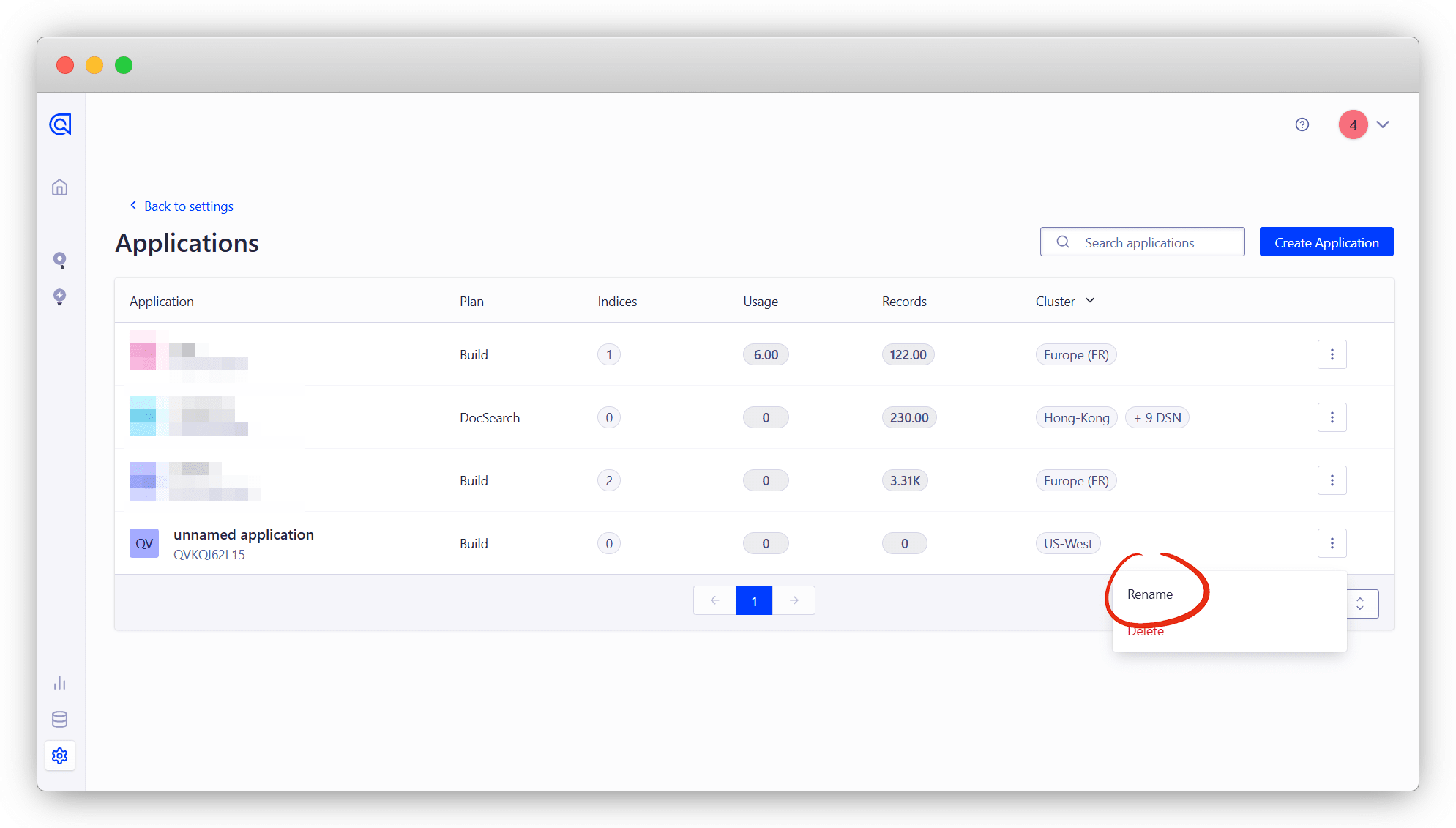
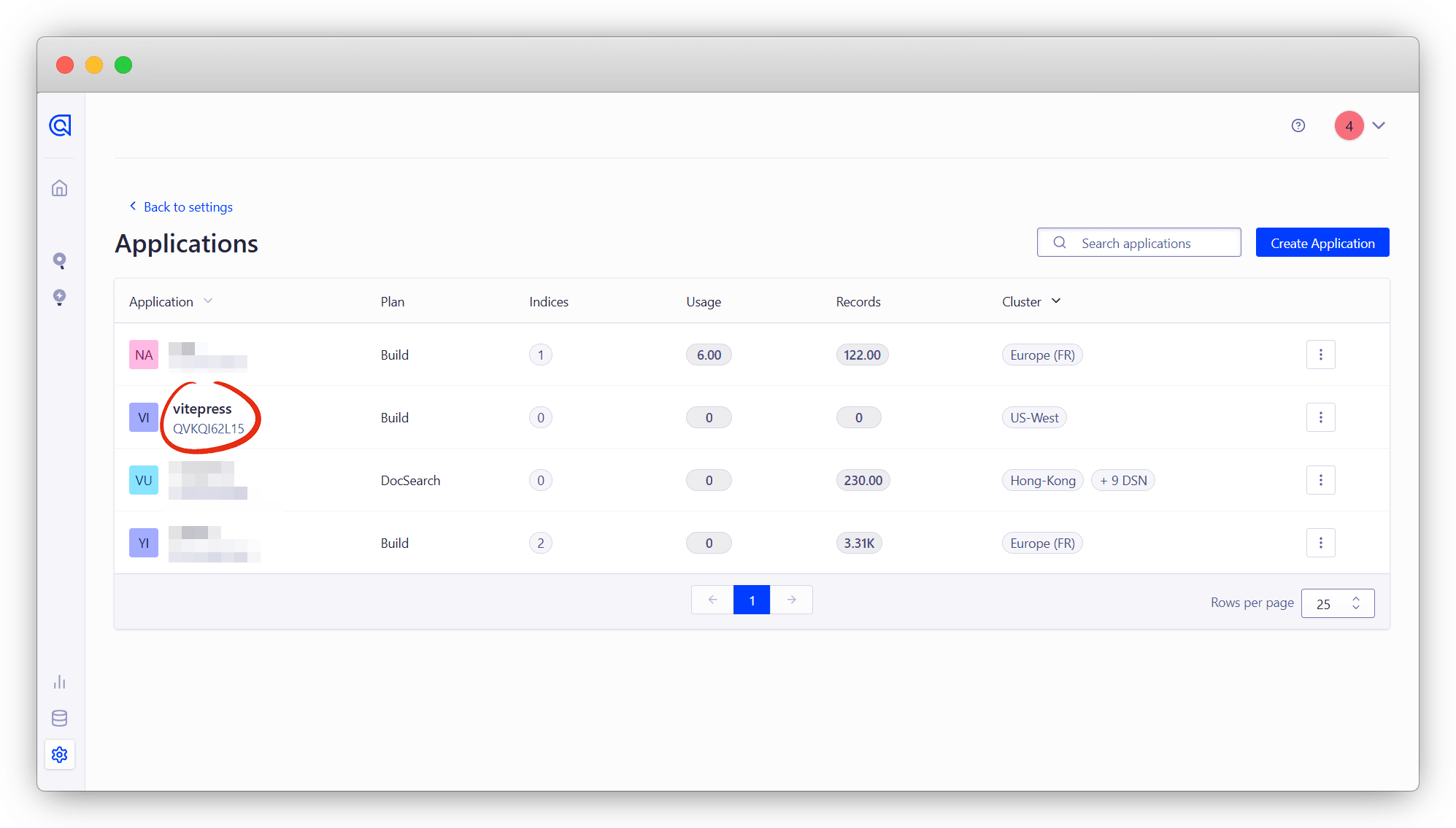
我就改成 vitepress ,保存
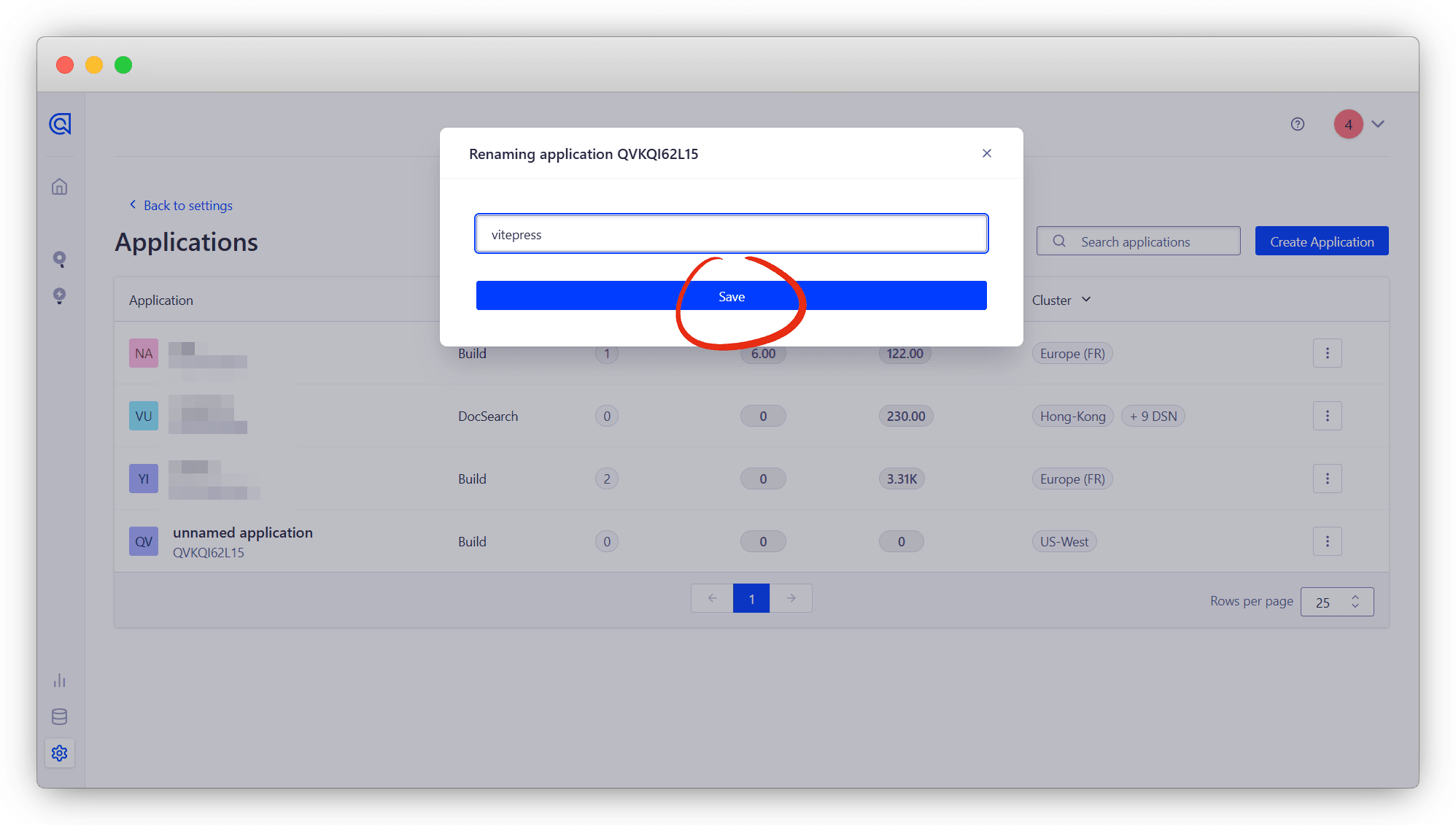
点击改好的,回到面板界面
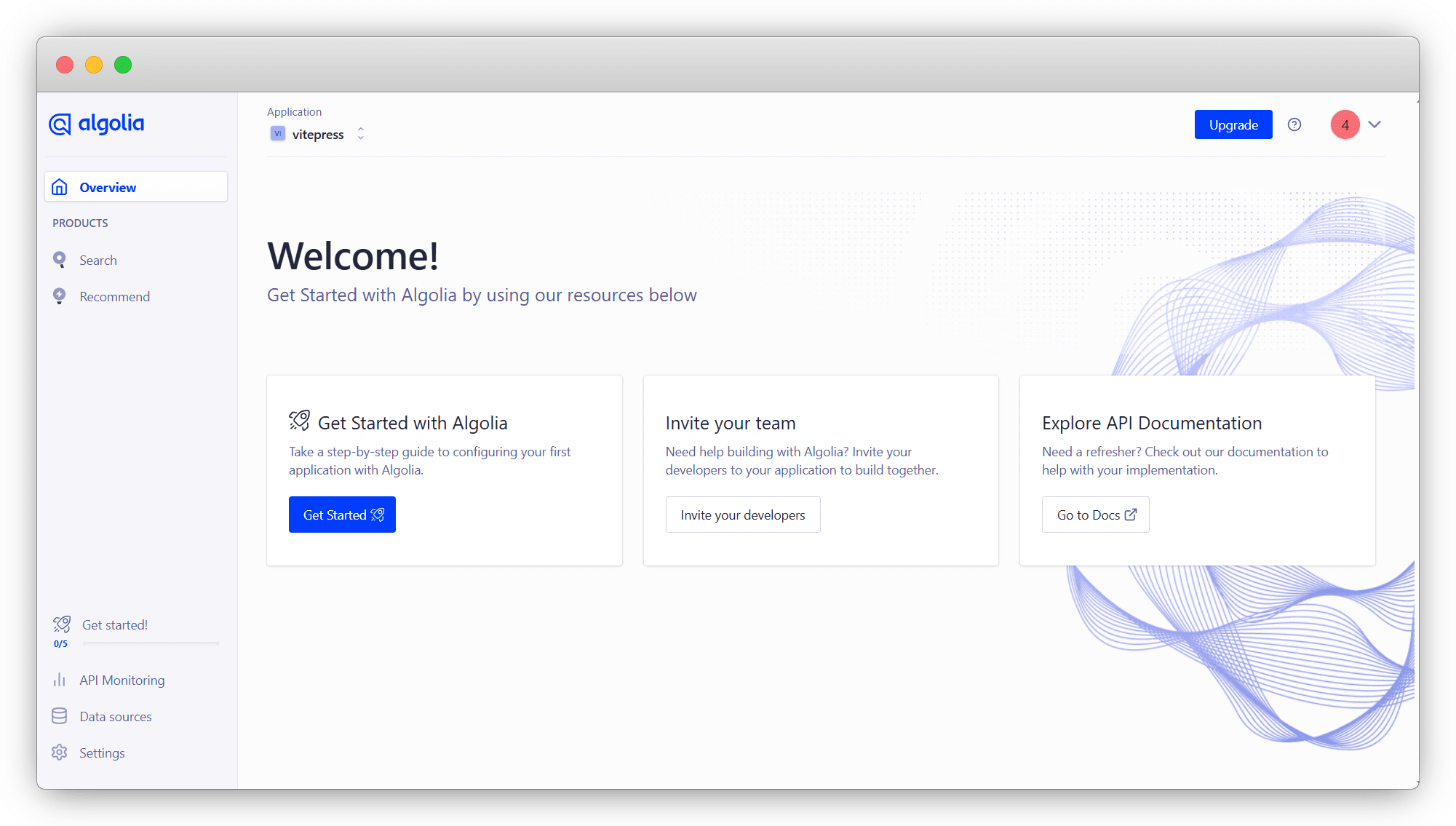
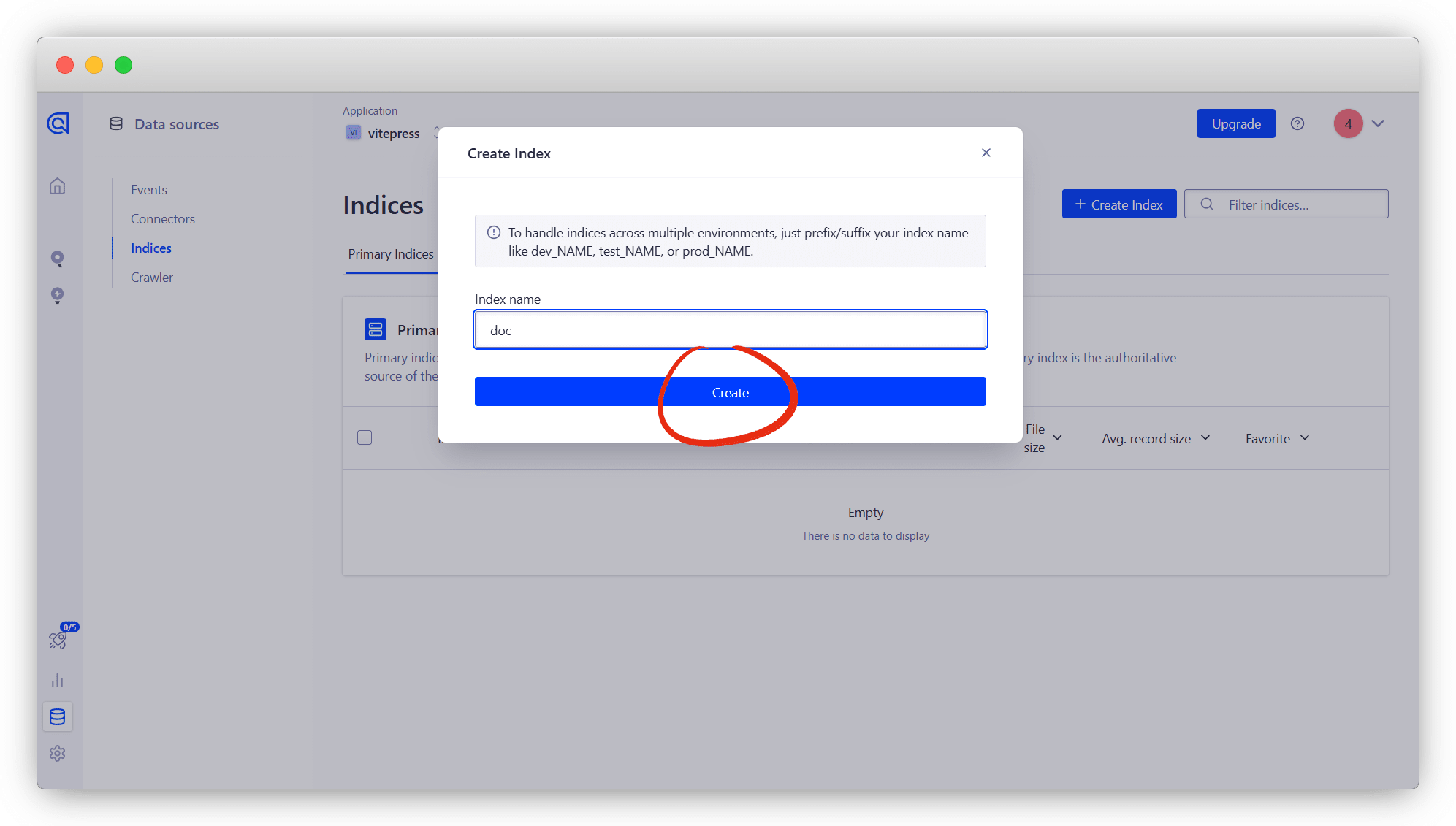
点击右下角 Date Sources - Indices - Create Index 创建索引
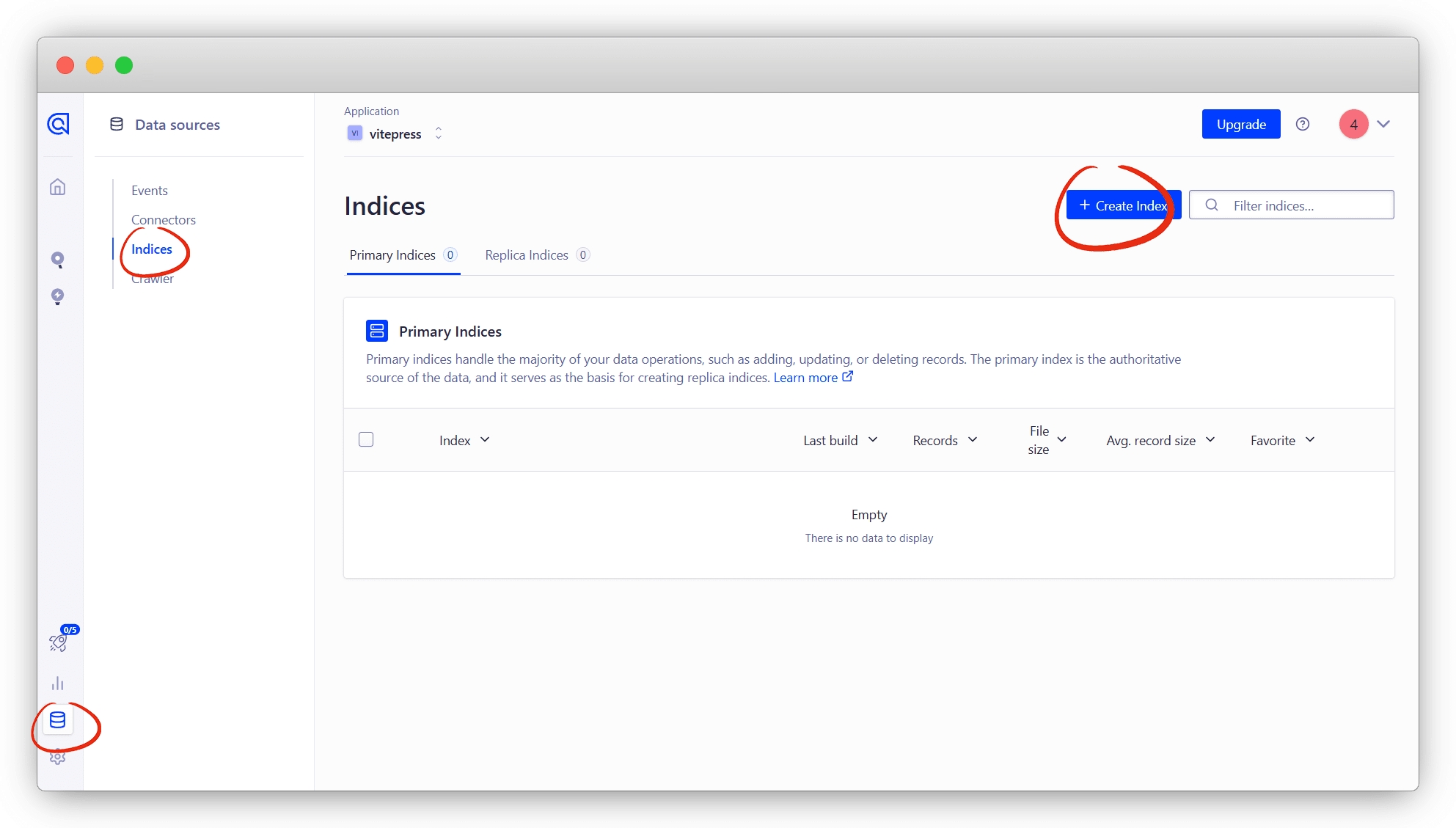
名字随意,一会要用!
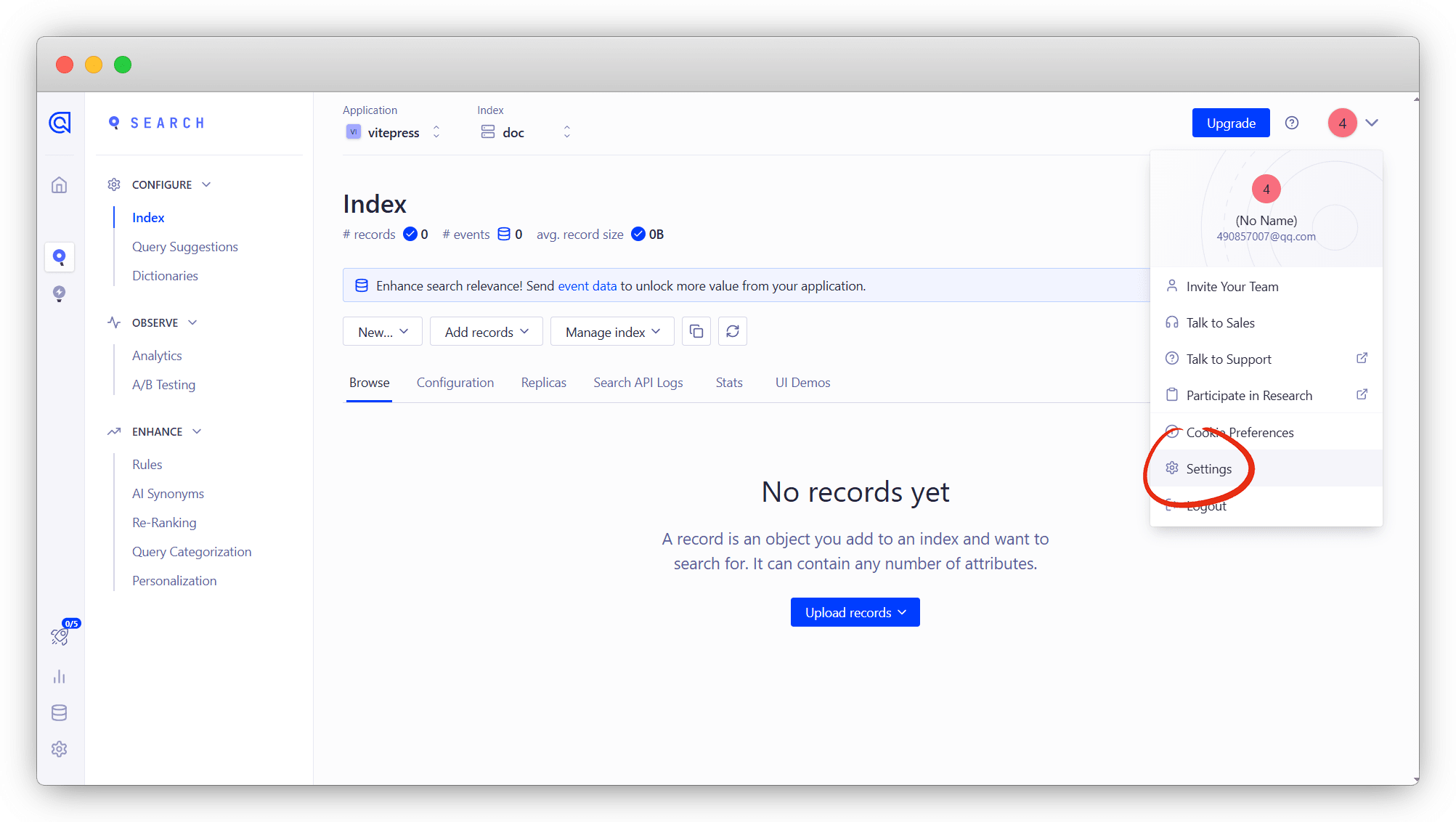
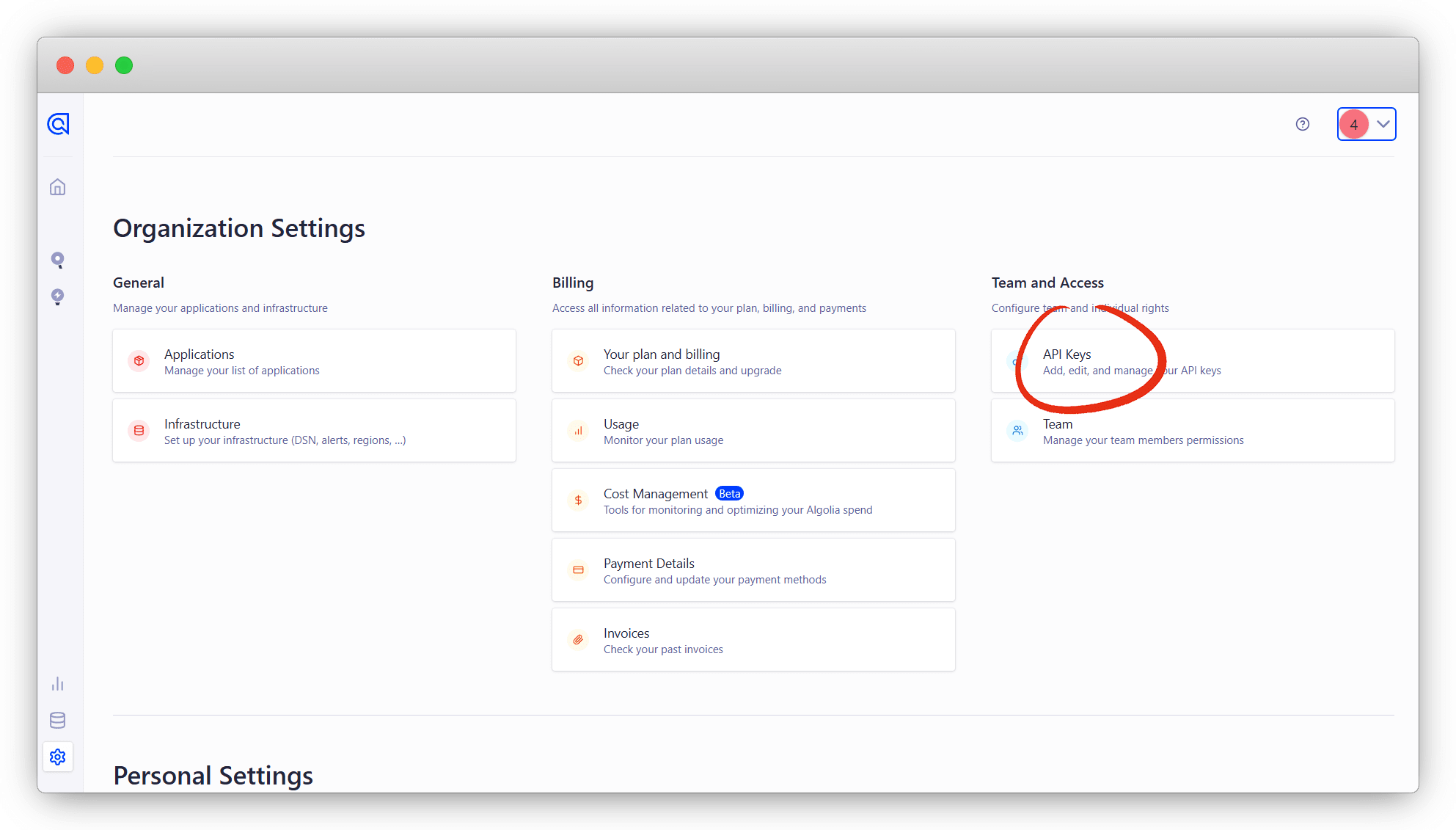
点击右上角设置 Settings - API Keys ,查看关键Keys
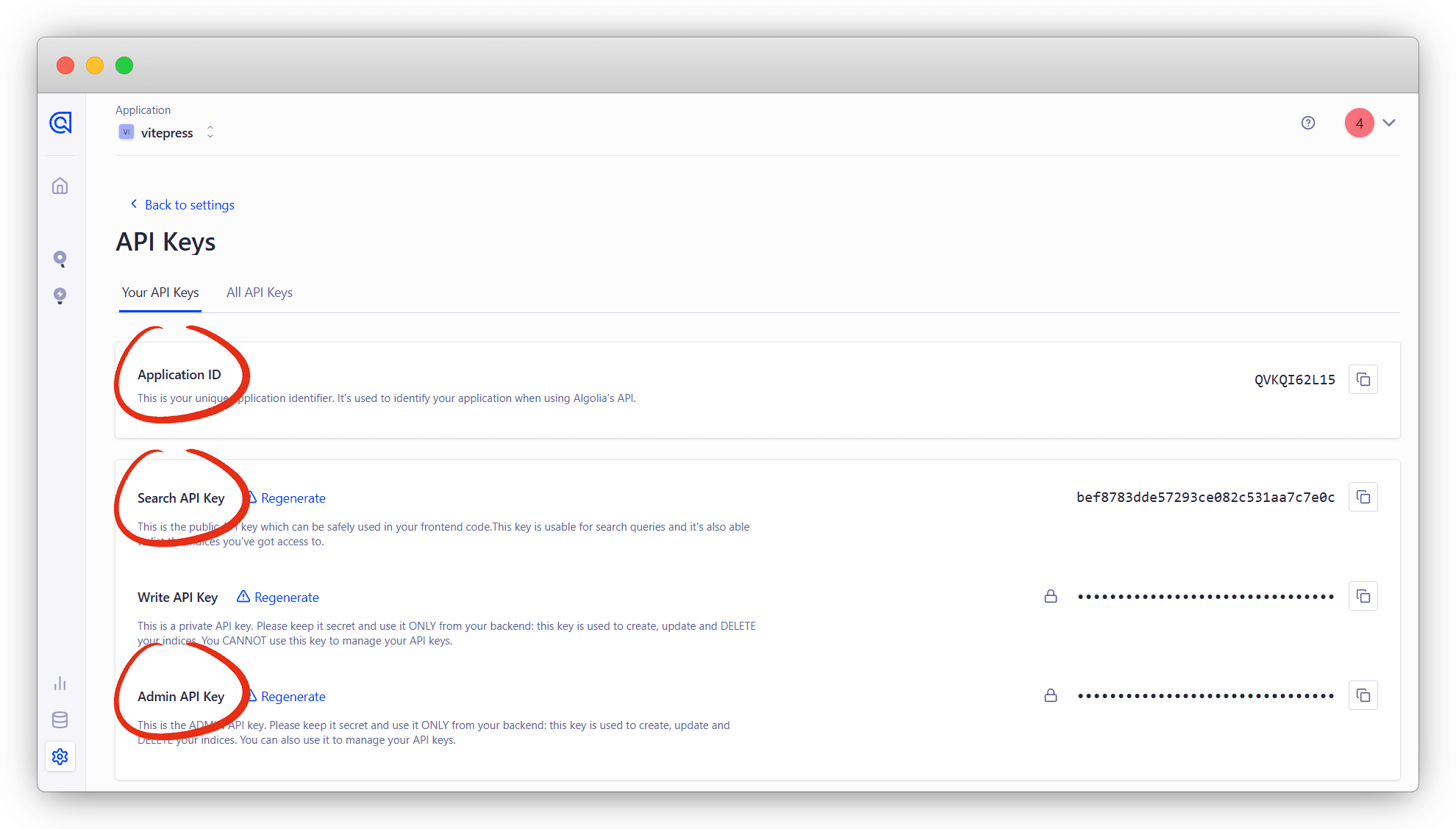
其中 Application ID Search-Only API Key Admin API Key 尤为重要
4个关键数据说明
Application ID:应用ID
Search-Only API Key:搜索API
Admin API Key:管理API
indexName:索引名
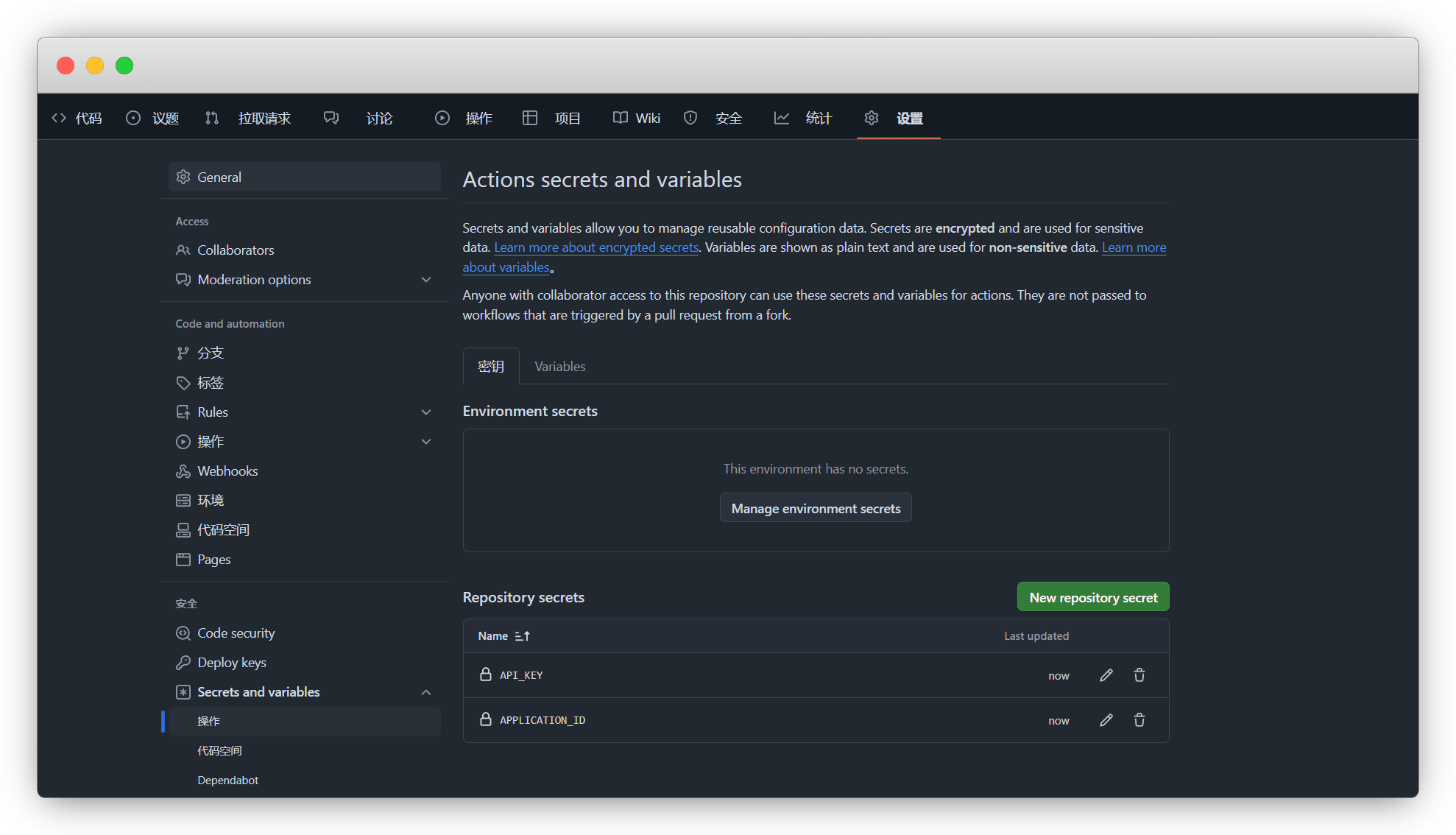
我们在任意仓库(公开或私密) - 设置 - Secrets and variables - actions
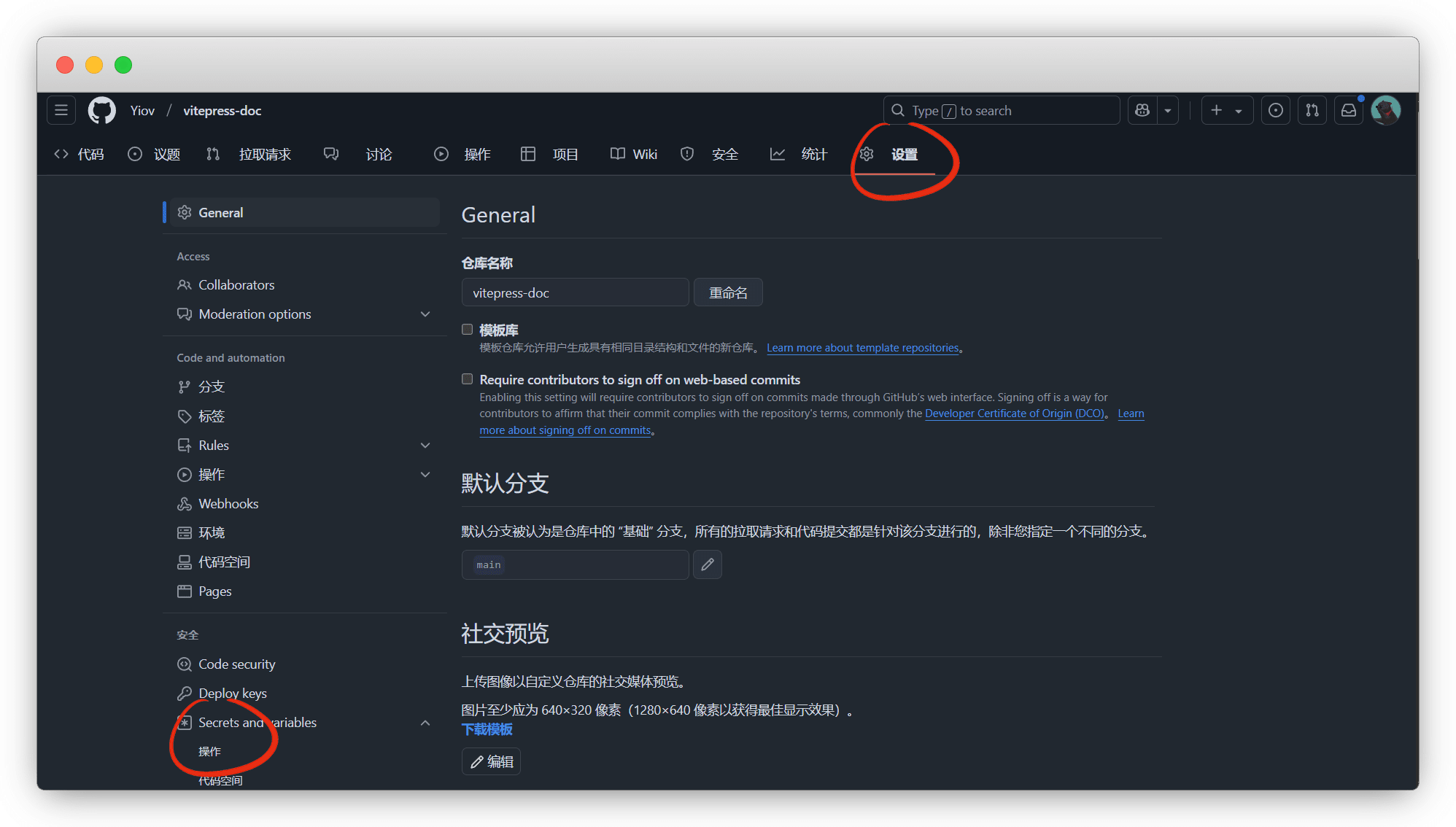
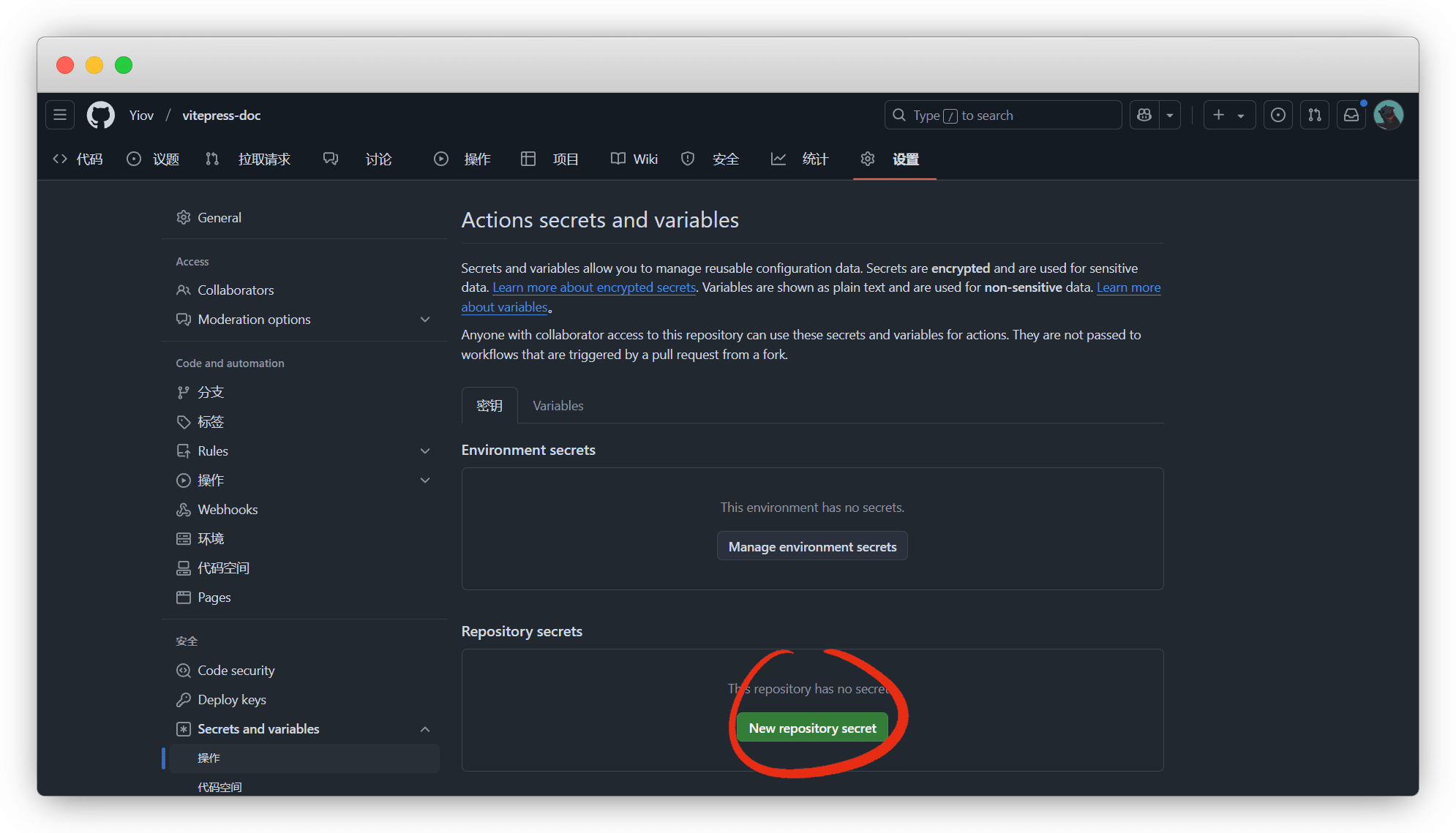
密钥中,新增仓库密钥 New repository secret
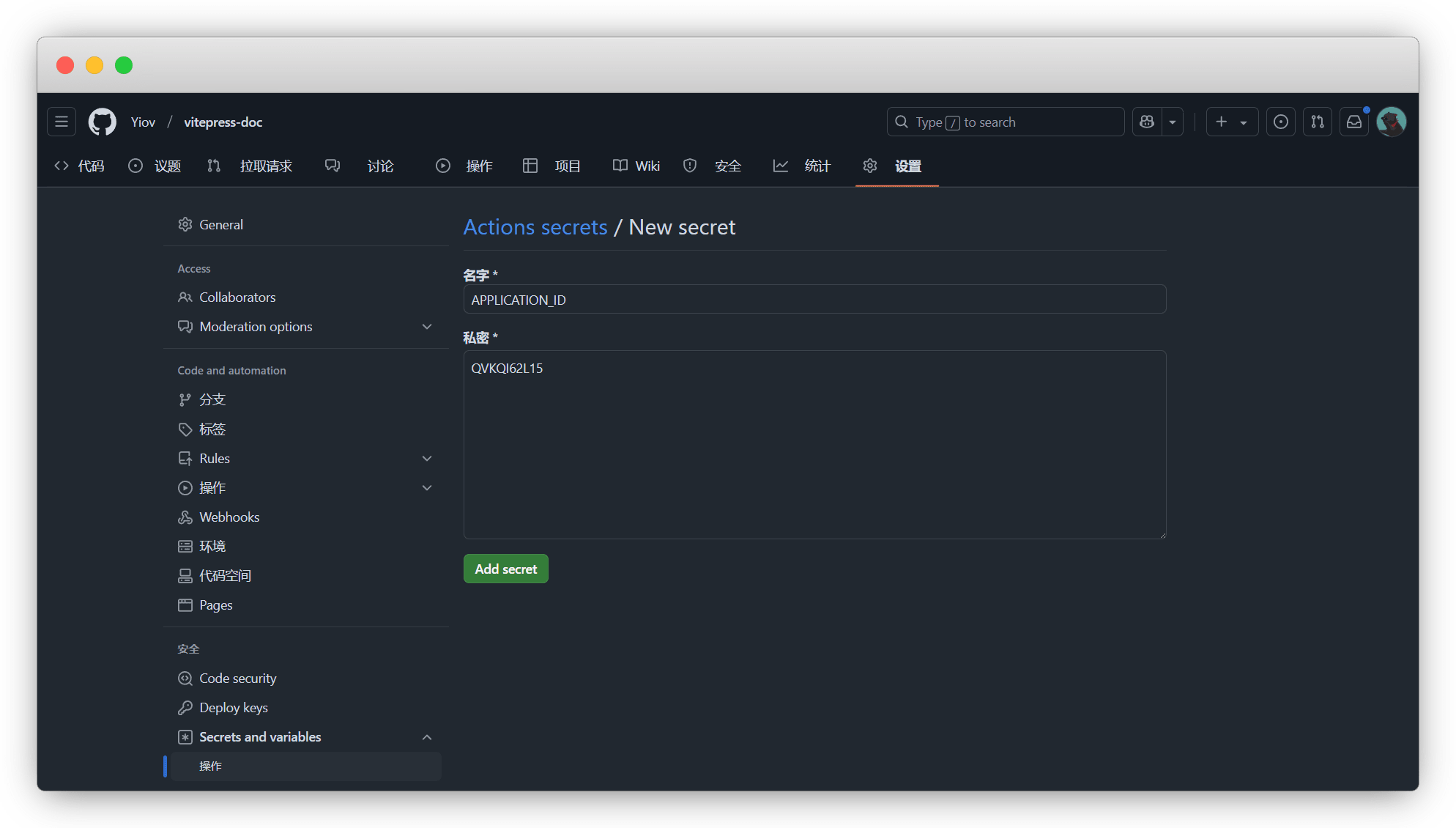
分别添加 APPLICATION_ID 和 API_KEY
千万不要填错了
APPLICATION_ID:是应用ID(APPLICATION ID)
API_KEY:是管理API(Admin API Key)
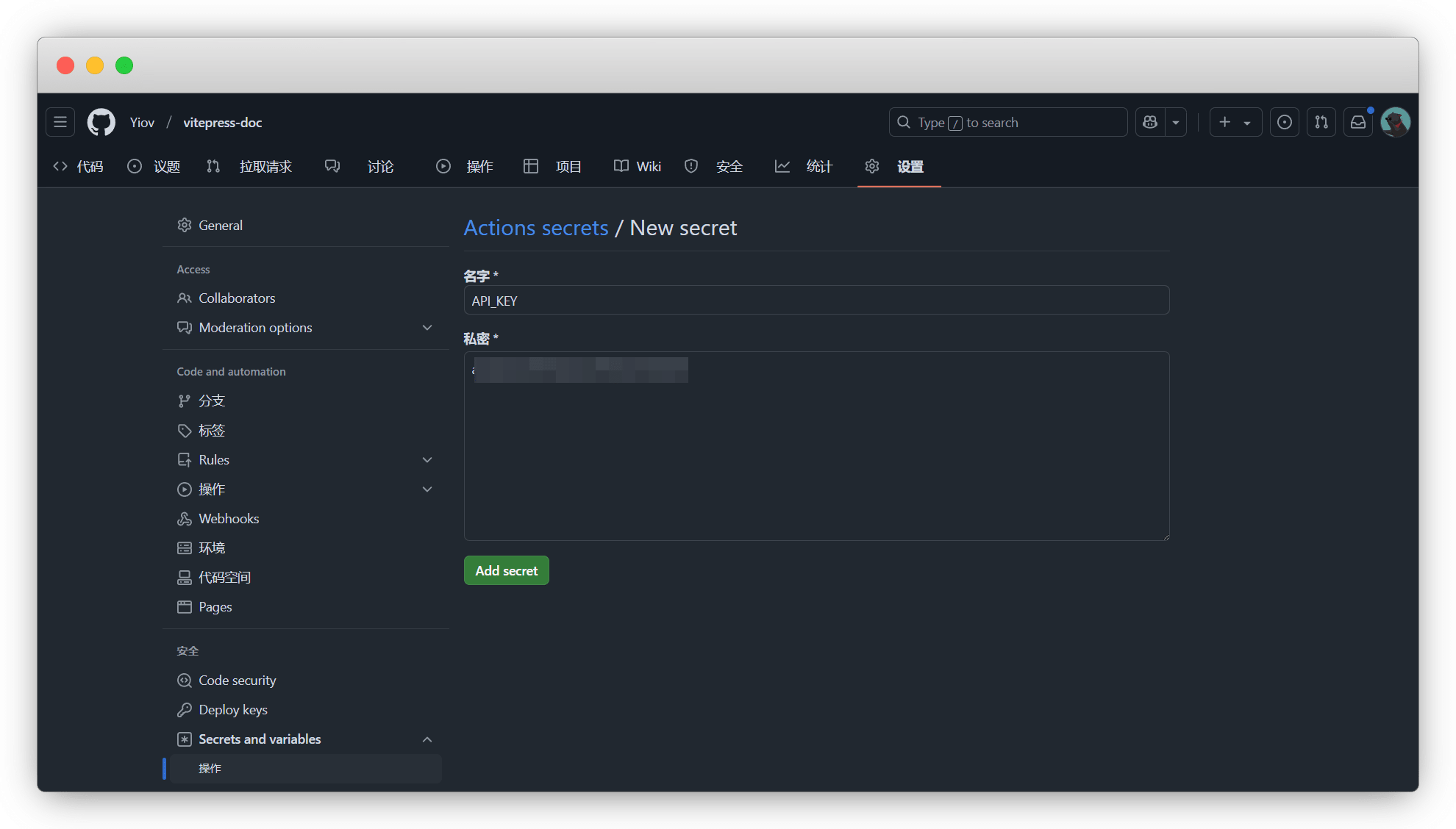
这样2个密钥都添加好了
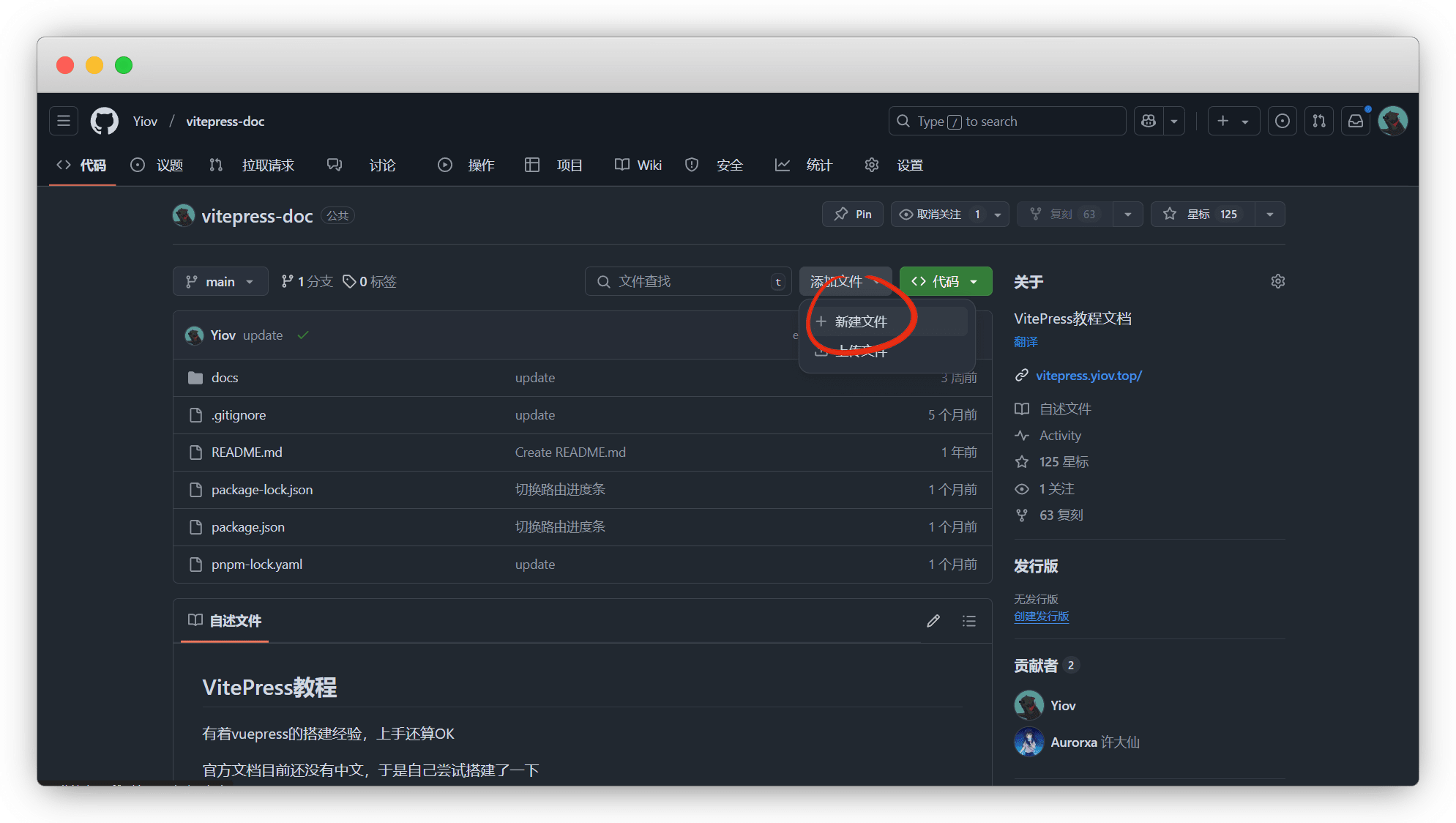
然后在仓库根目录新建一个文件
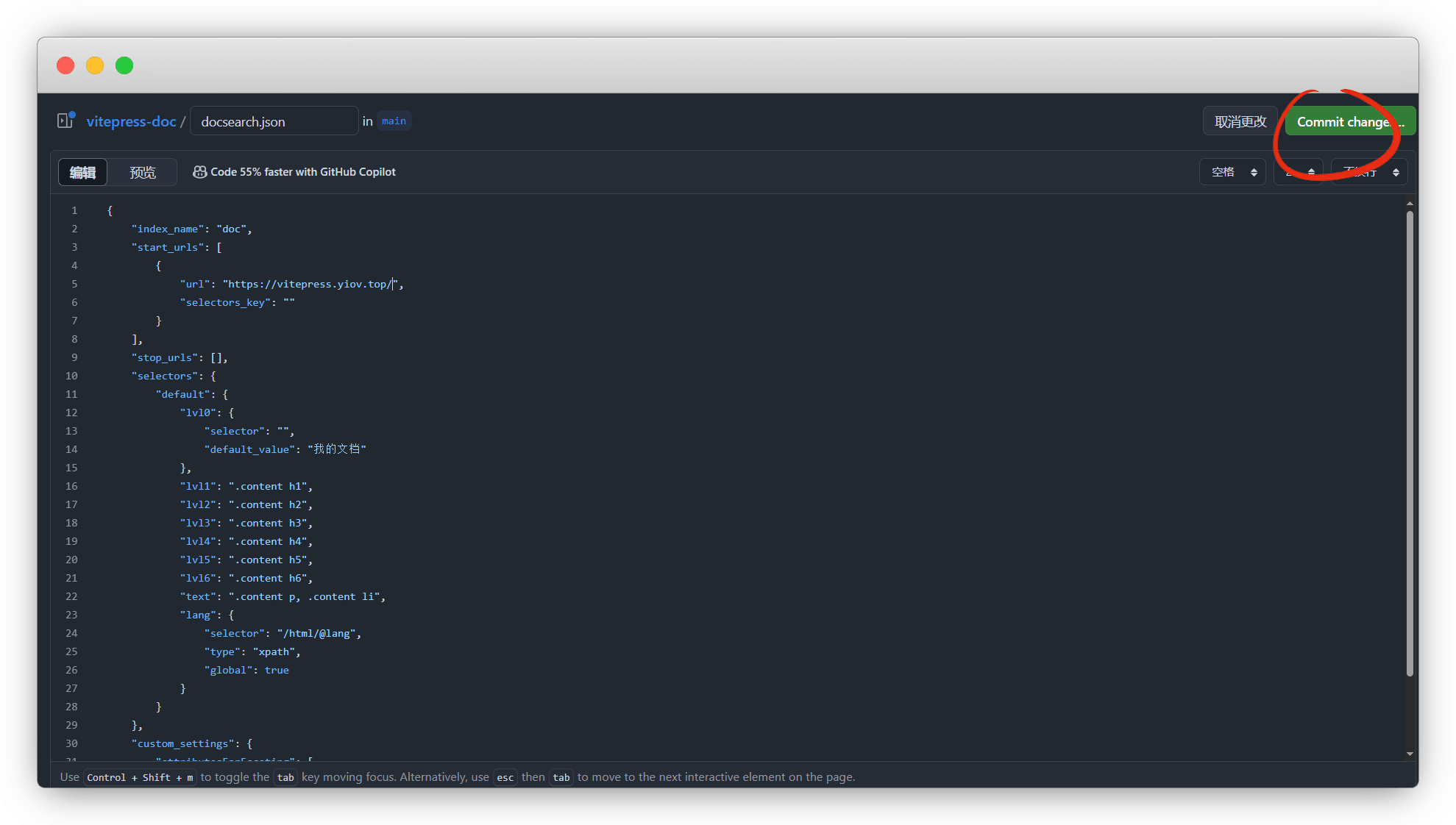
命名为 docsearch.json ,格式如下,按需修改其他不要动
{
    "index_name": "你的索引名",
    "start_urls": [
        {
            "url": "https://你的网站",
            "selectors_key": ""
        }
    ],
    "stop_urls": [],
    "selectors": {
        "default": {
            "lvl0": {
                "selector": "",
                "default_value": "我的文档"
            },
            "lvl1": ".content h1",
            "lvl2": ".content h2",
            "lvl3": ".content h3",
            "lvl4": ".content h4",
            "lvl5": ".content h5",
            "lvl6": ".content h6",
            "text": ".content p, .content li",
            "lang": {
                "selector": "/html/@lang",
                "type": "xpath",
                "global": true
            }
        }
    },
    "custom_settings": {
        "attributesForFaceting": [
            "lang"
        ]
    }
}修改好index_name和网址后,提交即可
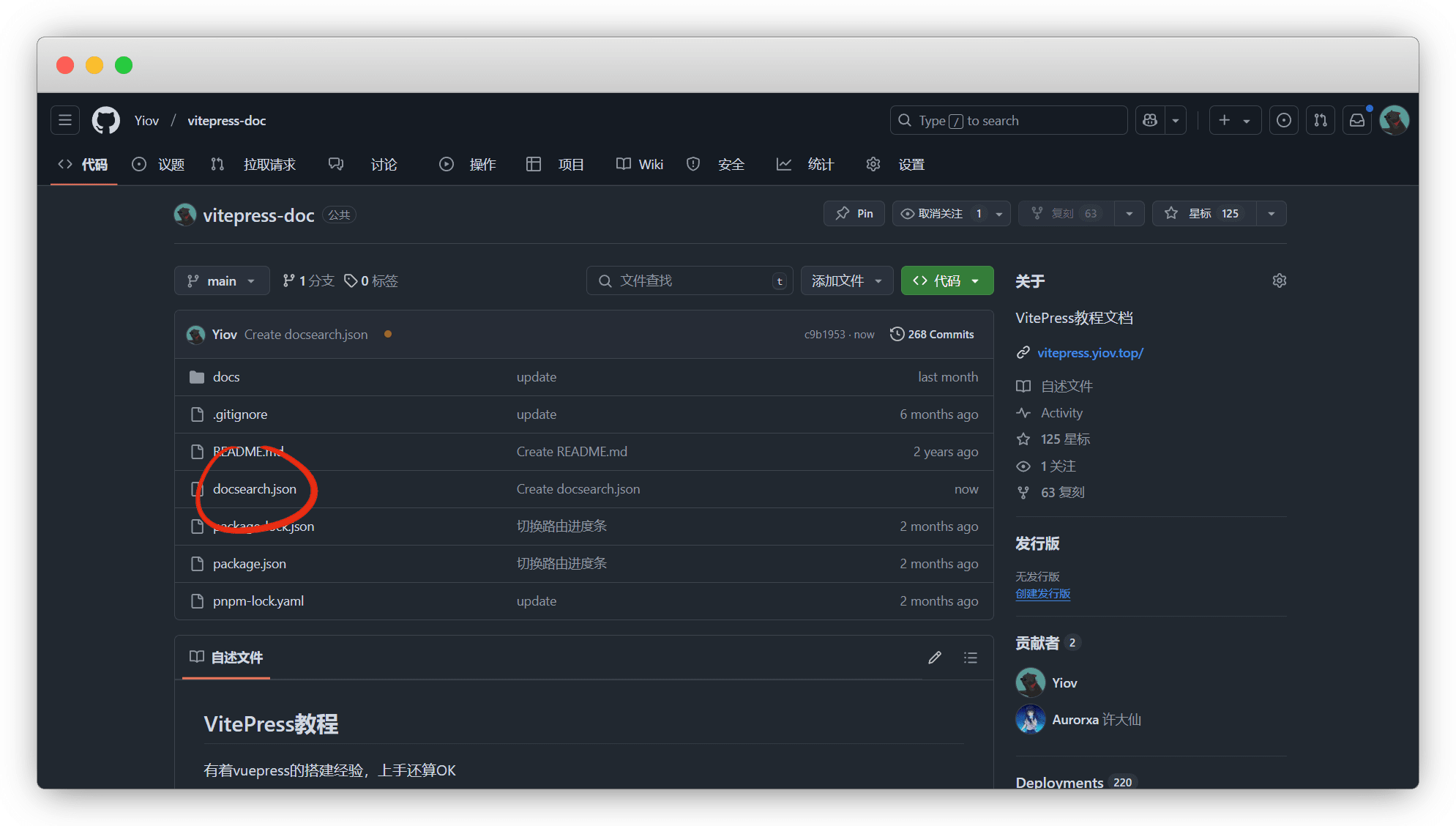
这样就可以了
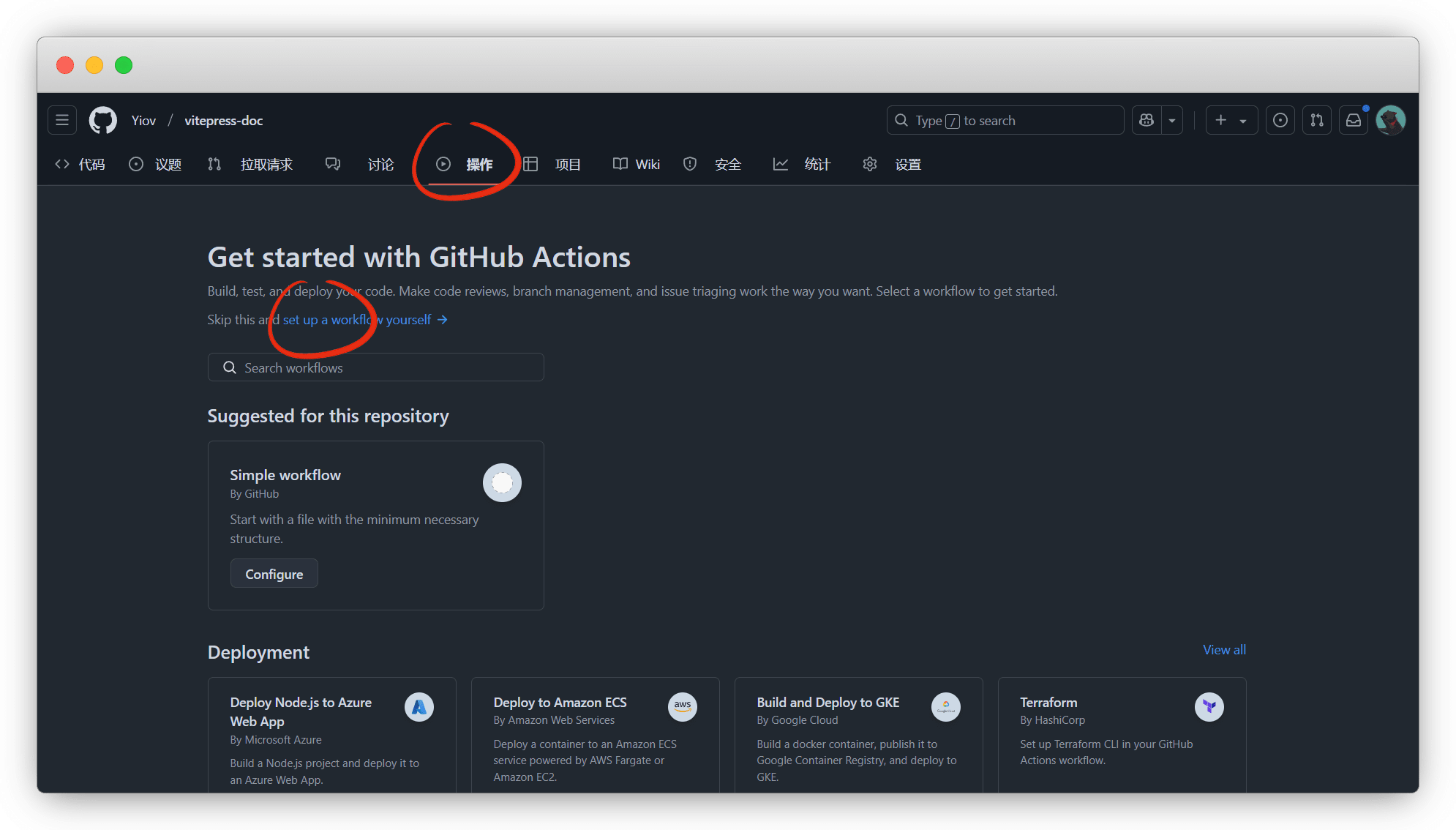
然后在仓库,点击 Actions - set up a workflow yourself 新建一个工作流
命名为 docsearch.yml ,复制粘贴下面的工作流代码,提交
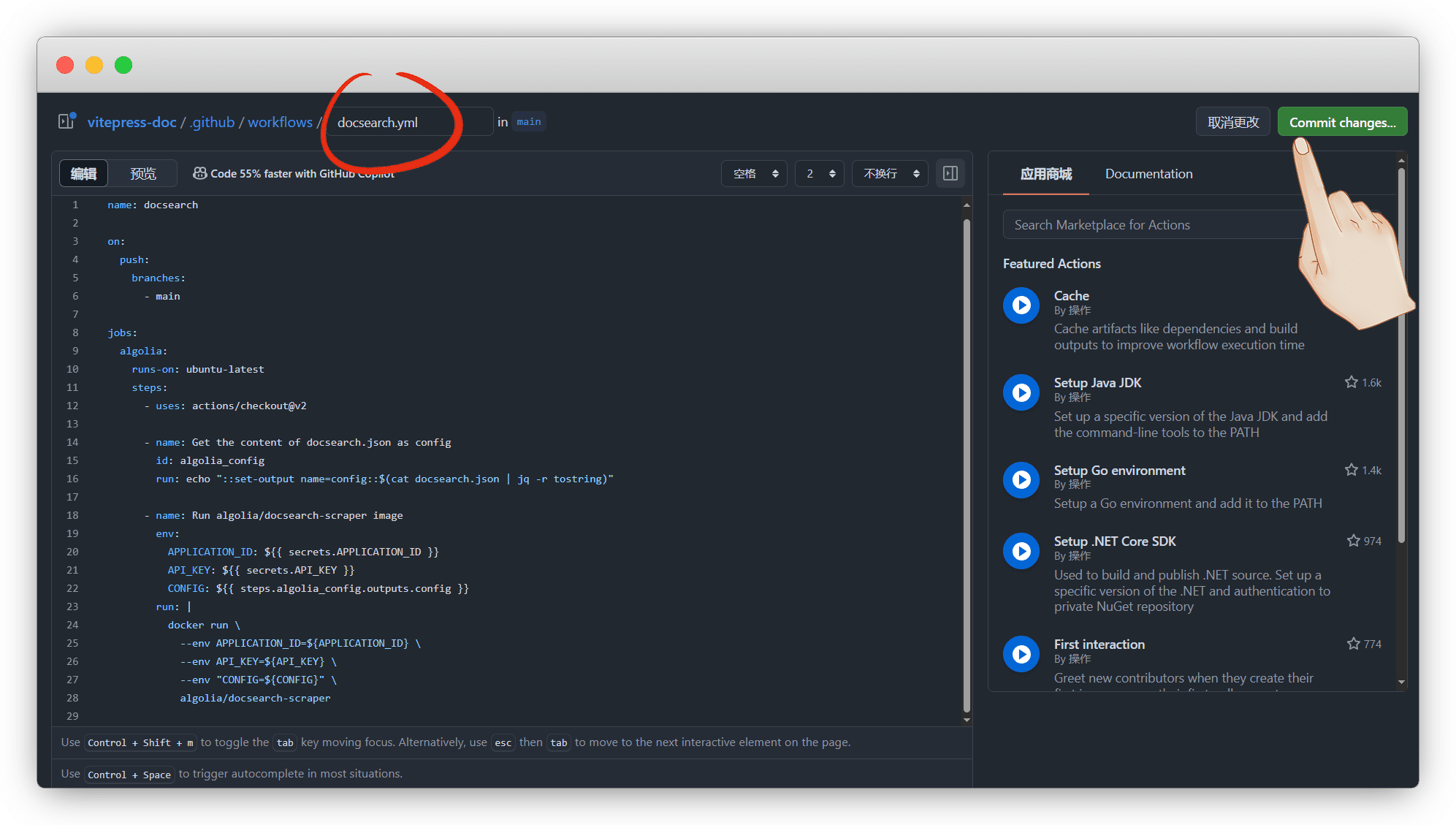
name: docsearch

on:
  push:
    branches:
      - main

jobs:
  algolia:
    runs-on: ubuntu-latest
    steps:
      - uses: actions/checkout@v2

      - name: Get the content of docsearch.json as config
        id: algolia_config
        run: echo "::set-output name=config::$(cat docsearch.json | jq -r tostring)"

      - name: Run algolia/docsearch-scraper image
        env:
          APPLICATION_ID: ${{ secrets.APPLICATION_ID }}
          API_KEY: ${{ secrets.API_KEY }}
          CONFIG: ${{ steps.algolia_config.outputs.config }}
        run: |
          docker run \
            --env APPLICATION_ID=${APPLICATION_ID} \
            --env API_KEY=${API_KEY} \
            --env "CONFIG=${CONFIG}" \
algolia/docsearch-scraper触发方式不喜欢可以自己改
on:
  push:
    branches:
- mainon: deploymenton:
schedule:
- cron: '0 0 * * *'on:
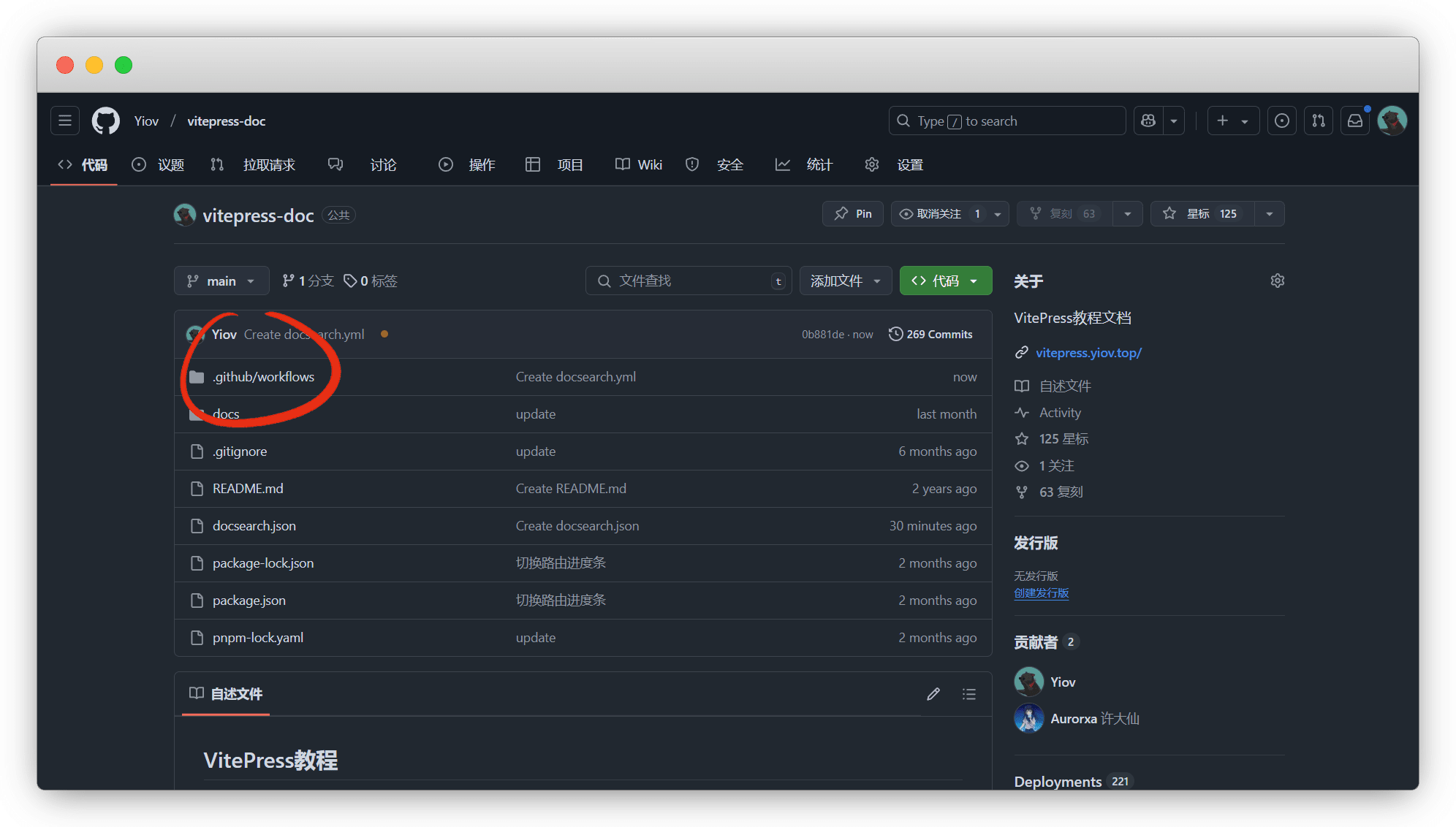
workflow_dispatch:仓库会多一个 .github/workflows 的目录
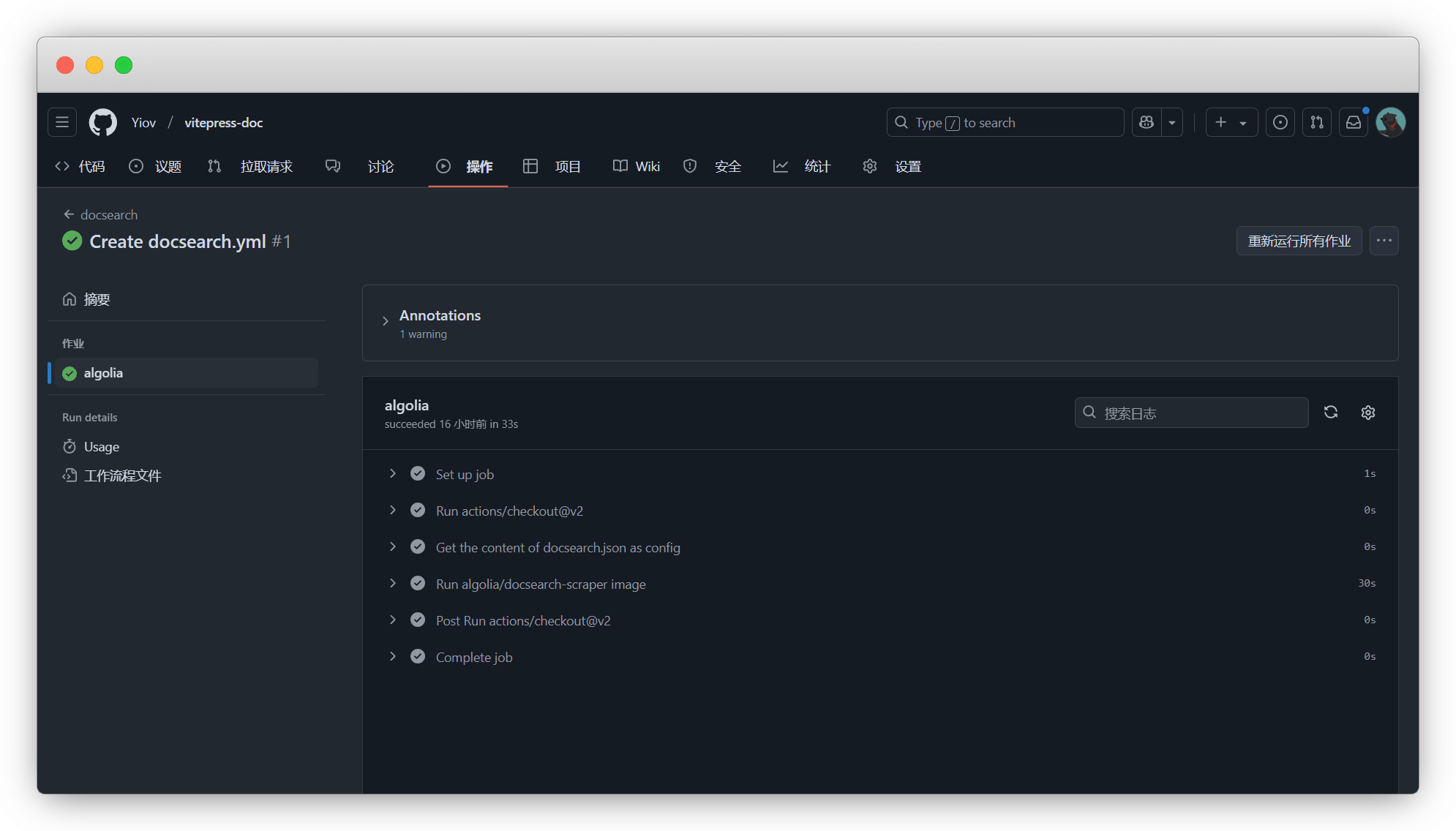
我们静等工作流跑完,如果失败,就是你密钥没有正确配置
看一下Algolia已经有数据了
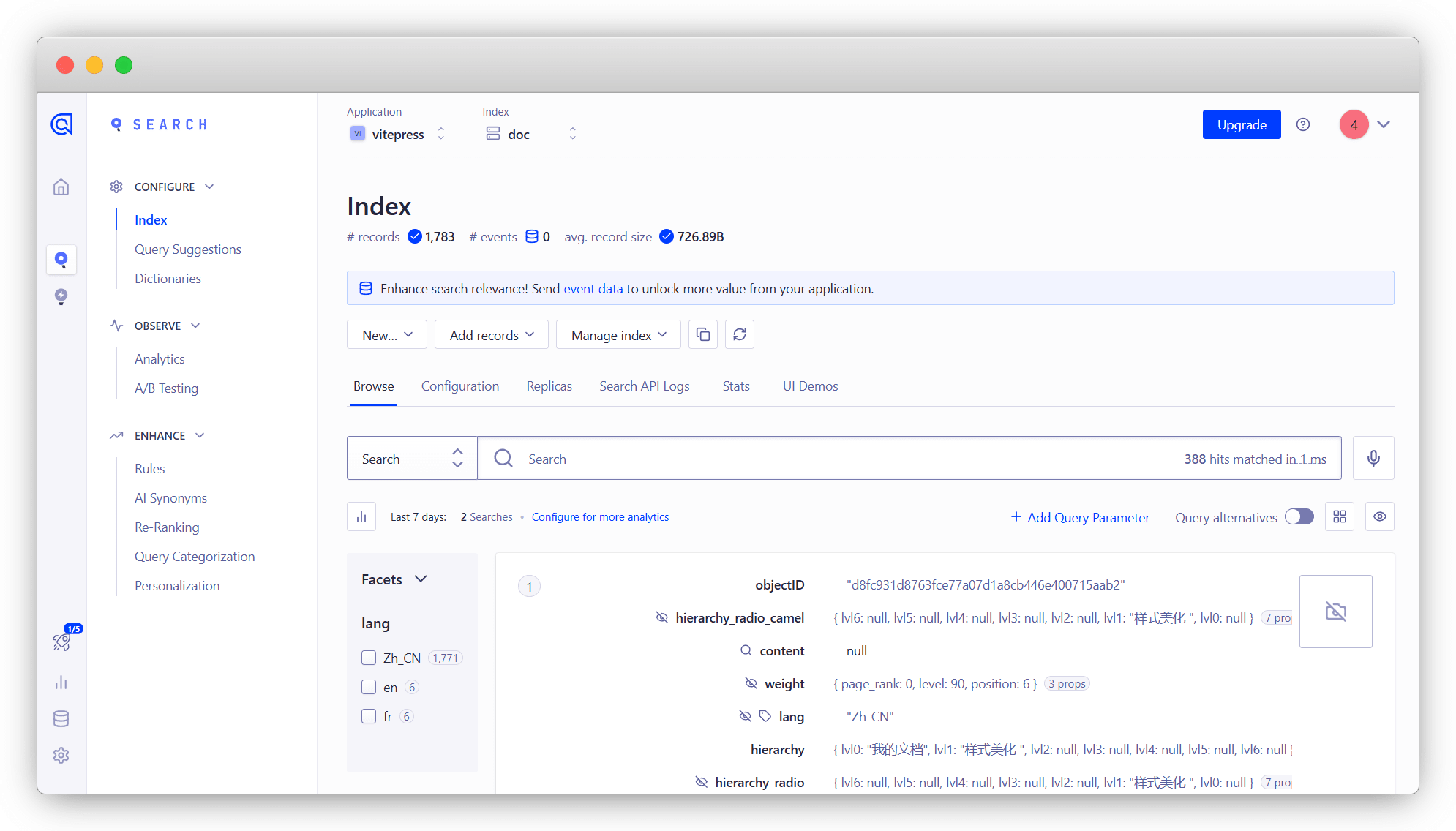
我们配置在 config.mts 中,就可以使用搜索了
export default defineConfig({

  themeConfig: {
    //Algolia搜索
    search: {
      provider: 'algolia',
      options: {
        //本人的配置,供你们参考使用
        appId: 'QVKQI62L15',
        apiKey: 'bef8783dde57293ce082c531aa7c7e0c',
        indexName: 'doc',
      },
    },
  },

})
搜索美化
需要对json文件进行修改,以下是仅单独增加一个 Markdown 页面分类的简单案例
案例说明代码说明
start_urls:爬取链接,必须要一个默认主页和其他页,多页面就得多填
tags:标签,也是我们分类的最最重要的代码
stop_urls:不爬取的页面
selectors:默认一个
default必须要有,然后再依次新增标签页default_value:标签显示的文字,可以是中文
attributesForFaceting:必须具备
langtags否则有数据也用不了
注:请根据自己的页面进行新增修改!!!
{
    "index_name": "doc",
    "start_urls": [
        {
            "url": "https://vitepress.yiov.top/preface.html",
            "selectors_key": "preface",
            "tags": ["preface"]
        },
        "https://vitepress.yiov.top/"
    ],
    "stop_urls": [],
    "selectors": {
      "preface": {
            "lvl0": {
                "selector": "",
                "default_value": "前言"
            },
            "lvl1": ".content h1",
            "lvl2": ".content h2",
            "lvl3": ".content h3",
            "lvl4": ".content h4",
            "lvl5": ".content h5",
            "lvl6": ".content h6",
            "text": ".content p, .content li",
            "lang": {
                "selector": "/html/@lang",
                "type": "xpath",
                "global": true
            }
        },
        "default": {
            "lvl0": {
                "selector": "",
                "default_value": "我的文档"
            },
            "lvl1": ".content h1",
            "lvl2": ".content h2",
            "lvl3": ".content h3",
            "lvl4": ".content h4",
            "lvl5": ".content h5",
            "lvl6": ".content h6",
            "text": ".content p, .content li",
            "lang": {
                "selector": "/html/@lang",
                "type": "xpath",
                "global": true
            }
        }
    },
    "custom_settings": {
        "attributesForFaceting": [
            "lang","tags"
        ]
    }
}最后将所有页面添加完后,对比文件,看效果
说明
如果你的页面很多,额,那是真的有点麻烦,可以不美化